
A Venmo business account is a free business profile linked to your personal Venmo account, used to take payments for goods and services; Venmo deducts 1.9% + $0.10 from each payment you receive (as of November 2026). It fits if your clients already pay by Venmo, but it handles payments only, not booking, deposits or client records.
Venmo calls it a business profile, not a separate account. It sits under your personal login, and you switch between the two from the Me tab. If you are choosing an app to run the rest of the business, the hair stylist app guide covers what to look for.
What is a Venmo business profile?
A Venmo business profile is a separate profile, linked to your personal Venmo account, that lets you accept payments for goods and services under a business name. It has no login of its own; you reach it with your personal account credentials.
- Who can open one. Individuals or sole proprietors, associations or clubs, and registered businesses. Venmo offers profiles at its discretion to individuals with an account in good standing; teen users cannot open one.
- How many. One business profile per person.
- No EIN needed. If your business has no EIN, you can register as a sole proprietor with your SSN or ITIN.
- Separate limits and statements. Payment and bank transfer limits are separate from your personal profile, and you can download statements for each.
- Privacy. Payments to a business profile show in friends' feeds by default; you can set them to private in business profile settings.
Venmo personal vs business: which one should clients pay?
Clients paying you for a service should pay your business profile. Venmo's User Agreement (effective August 24, 2026) says personal accounts "may not be used to conduct business, commercial or merchant transactions," with limited exceptions. If you do get paid in a personal account for a sale, the agreement says you must ask your buyer to identify the payment as for goods and services.
That tag costs you more than the business profile. Venmo charges a 2.99% seller fee on personal-account payments marked as goods and services, versus 1.9% + $0.10 on a business profile. Venmo's help center recommends business profiles for anyone who sells often.
For how Venmo compares with Zelle for client payments, see Zelle vs Venmo.
How to set up a Venmo business profile
You set up a Venmo business profile from your existing personal account in a few minutes.
- In the app, open the Me tab, tap the drop-down at the top and choose + Create a business profile. On the web, sign in at venmo.com and pick Create a business profile from the menu.
- Say whether you use an EIN or your SSN or ITIN as a sole proprietor.
- Add a display name, a business category and the public contact details you want clients to see.
- Share your profile or its QR code. Clients paying in person can scan the code.
New Venmo users can choose the Business option at sign-up; Venmo still creates a personal account alongside it.
Venmo business fees
Venmo business fees are 1.9% + $0.10 per payment of $1.00 or more from another Venmo account, deducted before the money reaches your balance. The fee is charged to you, not the client, and Venmo does not refund it.
| Fee | Amount (as of November 4, 2026) |
|---|---|
| Opening a business profile | Free |
| Payment from another Venmo account | 1.9% + $0.10 |
| Payment taken with Tap to Pay | 2.29% + $0.09 (per Venmo's fee page) |
| QR code payment | No separate fee listed |
| Standard transfer to your bank | Free |
| Instant Transfer to bank or debit card | 1.75% (minimum $0.25, maximum $25) |
| Goods-and-services payment to a personal account (for comparison) | 2.99% |
Worked example (illustrative)
Illustrative only, not data from a real business. Fees are rounded to the cent.
| Service price | Business profile fee (1.9% + $0.10) | You receive | Instant Transfer of that (1.75%) | Left if you transfer instantly |
|---|---|---|---|---|
| $60 | $1.24 | $58.76 | $1.03 | $57.73 |
| $150 | $2.95 | $147.05 | $2.57 | $144.48 |
On the $60 service, the payment fee is 2.07% of the price; on $150, it is 1.97%, because the flat $0.10 matters less on larger tickets. Twenty $60 payments a month cost 20 x $1.24 = $24.80 in Venmo fees. Waiting for a free standard transfer saves the Instant Transfer fee. To compare against card processing, try the credit card fee calculator.
Purchase protection
Payments sent to a business profile count as qualifying payments under the Venmo Purchase Protection Program. Two limits matter for service work: Tap to Pay transactions are not eligible, and sales of services and intangible goods must meet extra requirements set out in the User Agreement. A client can raise a claim, so a clear record of what you agreed and delivered helps.
Taxes and the 1099-K
Venmo tags every payment to a business profile as a purchase. For the 2025 tax year, Venmo issues a Form 1099-K when goods-and-services payments exceed $20,000 and more than 200 transactions, and some states set lower thresholds. Your income is taxable either way. More detail is in does Venmo report to the IRS. This is general information, not tax advice.
What a Venmo business account does not do for a service business
Venmo moves money from a client to you. It does not manage the appointment that money pays for:
- No booking. Clients still text you to find a time.
- No deposit tracking. You can request money, but Venmo does not show which upcoming appointments have a paid deposit.
- No client records. Formulas, allergies and result photos live somewhere else.
- One view per app. Card, Zelle, Cash App and cash payments sit in other places, so totals take manual matching.
How to keep Venmo and other payments organized
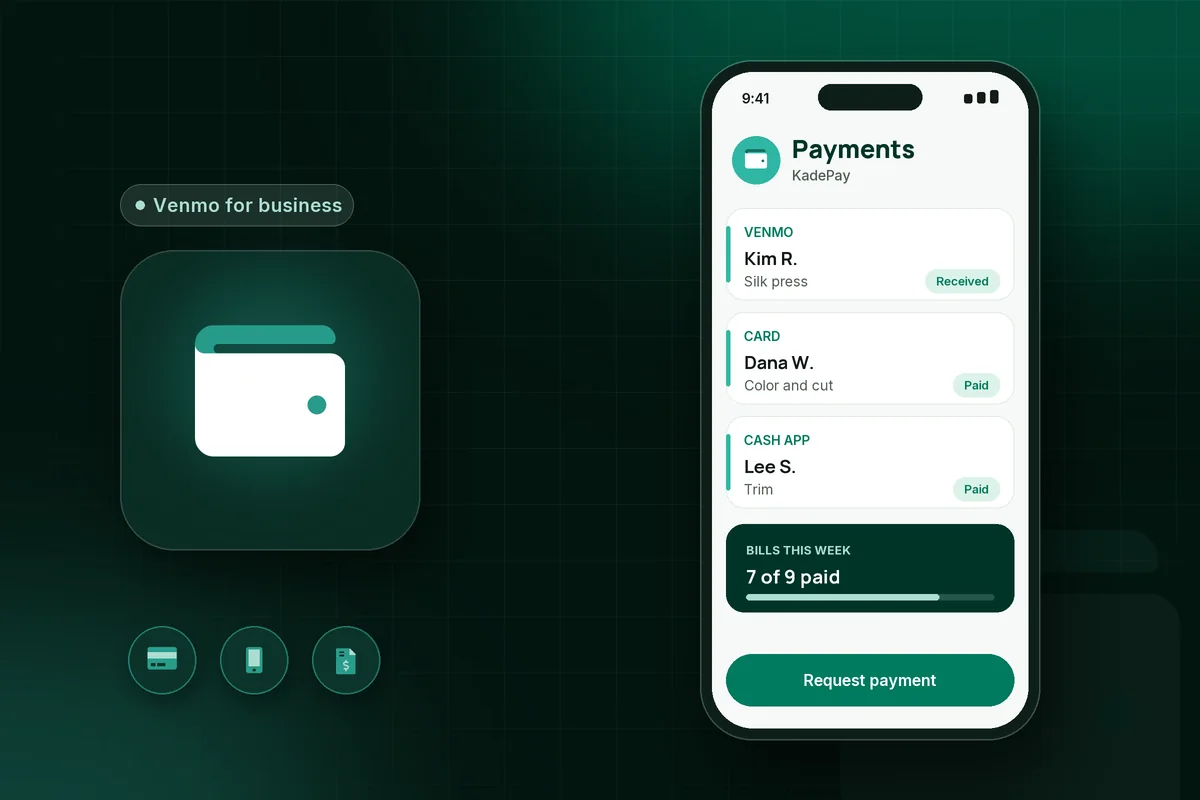
Keep one record per client that shows every payment, whatever app it came through. KadePay processes card, Apple Pay and Cash App payments through Stripe (KadePay is a Stripe Verified Partner). Venmo payments are tracked: if you accept Venmo, the bill shows clients your Venmo details, and the payment stays tied to that bill. KadePay does not process Venmo payments: clients still pay your business profile, and Venmo's terms and fees apply.
KadePay also covers the gaps above:
- A booking link that creates requests you review and confirm, not instant bookings.
- Deposits collected on the bill, either when the client books or before the appointment.
- Private client notes and photos.
- Prepaid packages with remaining-visit tracking (package administration and processing fees apply).
- Appointment reminders, depending on your settings and client contact details.
KadePay's $0 monthly plan includes 60 booked appointments a month, then $0.15 per appointment; usage and payment fees apply.
What KadePay sees solo pros get wrong with Venmo
These are patterns the KadePay team hears, not survey results. The most common: asking clients to send service payments as friends and family to skip the fee, which the User Agreement does not allow for business and leaves the payment outside purchase protection. Next is tapping Instant Transfer on every payment out of habit, which can cost more over a month than the payment fees. Last is treating the Venmo feed as the client history, then rebuilding a year of income from emoji notes at tax time.
When Venmo alone is enough
Venmo alone can be enough if most clients pay by Venmo, you book by text without trouble, and you do not take deposits or sell packages. A business profile plus a monthly statement download may be all you need. Add a tool when payment methods multiply or missed appointments start to cost you.
For one place for bookings and every way clients pay, start free with KadePay.
Related reading
- Hair stylist app: what booth renters need and how to choose
- Zelle vs Venmo: which payment app is right for you
- Does Venmo report to the IRS?
Sources
All accessed November 4, 2026.
- Venmo, Business Profiles FAQ
- Venmo, How to Sign Up for a Business Profile
- Venmo, How do fees work for Venmo business profiles?
- Venmo, Venmo fees
- Venmo, Business Profile Payments, QR code, Bank Transfers and Statements
- Venmo, Selling with personal profiles
- Venmo, Venmo Tax FAQ
- Venmo, User Agreement, effective August 24, 2026
This article is general information, not tax or legal advice. Venmo fees and terms change; check Venmo's help center before you rely on them.