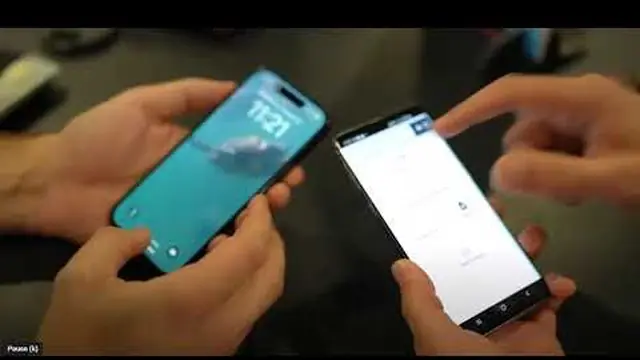
Phone Tap to Pay
Use the KadePay app on a compatible iPhone or Android phone after Stripe setup and phone activation.
For example Take a contactless payment before leaving the job, without a separate reader.
TAKE PAYMENTS WHERE YOU WORK
Set up compatible iPhone or Android Tap to Pay, or a supported KadePay card reader. Review payment-account, US location and device requirements before accepting cards.
Pay-As-You-Go starts at $0 per month. Usage and payment fees apply.
Use the KadePay app on a compatible iPhone or Android phone after Stripe setup and phone activation.
For example Take a contactless payment before leaving the job, without a separate reader.
Supported options include the Wi-Fi WisePOS E and mobile-app Bluetooth M2, with different connection requirements.
For example Choose Wi-Fi for a counter workflow or Bluetooth for supported mobile use.
Register the delivered reader to the selected KadePay business and check the final payment result.
For example A reader arriving in the mail does not automatically connect it to your business.
See it run
Short walkthroughs from the KadePay channel. Nothing loads from YouTube until you press play.
CLEAR ANSWERS
M2 is for the supported KadePay mobile-app workflow, not a desktop browser.
Use the public Terminal setup guide on portal.kadepay.com/Public/TerminalSetup for the verified device-specific steps.
YOUR WORK COMES FIRST