
A sale can disappear in the time it takes a customer to find cash, wait in line, or walk back to a fixed checkout counter.
That small moment matters. Retail shops, food trucks, salons, repair services, pop-up vendors, and service teams all face the same challenge: customers expect payment to be fast, simple, and available wherever the buying decision happens. A mobile POS system helps make that possible.
Instead of tying checkout to one register, a mobile point-of-sale system lets a business accept payments from a smartphone, tablet, or handheld device. The result is a more flexible operation, a smoother customer experience, and more chances to close the sale.
Kadepay.com stands out as a strong choice for businesses that want modern payment tools without making daily work more complicated. With mobile payments, simple setup, reporting tools, and integration options, it gives teams a practical way to sell from almost anywhere.
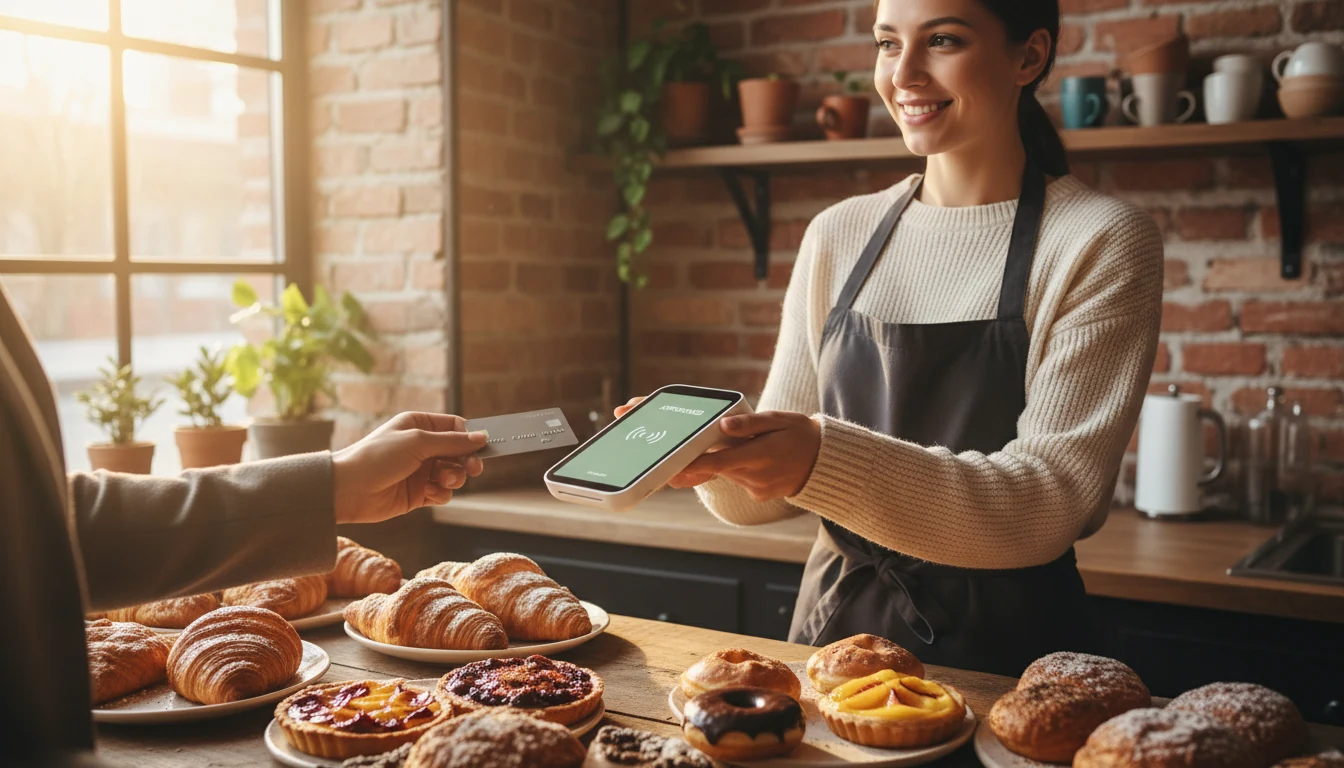
Mobile POS systems turn checkout into a flexible part of the business
Traditional checkout works well when every customer comes to the counter. Many sales do not happen that way anymore.
A shopper may ask about a product from the sales floor. A customer may want to pay at an outdoor market booth. A diner may prefer to settle the bill at the table. A service technician may need to collect payment after completing a job at a home. In each case, a fixed register adds friction.
A mobile POS system removes that barrier. Staff can take payment where the customer already is.
That one change can improve several parts of daily operations:
Shorter lines
Staff can process payments from multiple points instead of sending everyone to one register.
Faster service
Customers do not have to wait for a terminal to open or repeat their order at a different station.
More complete records
Sales, refunds, tips, taxes, and receipts can be captured in one system.
Better mobility
Businesses can sell at pop-ups, festivals, curbside pickups, home appointments, and delivery stops.
Cleaner workflows
A payment can connect with inventory, sales reports, and customer records instead of sitting apart from the rest of the business.
This flexibility is one reason mobile POS adoption has grown across many industries. The value is not just payment acceptance. It is the way payment becomes part of the service itself.
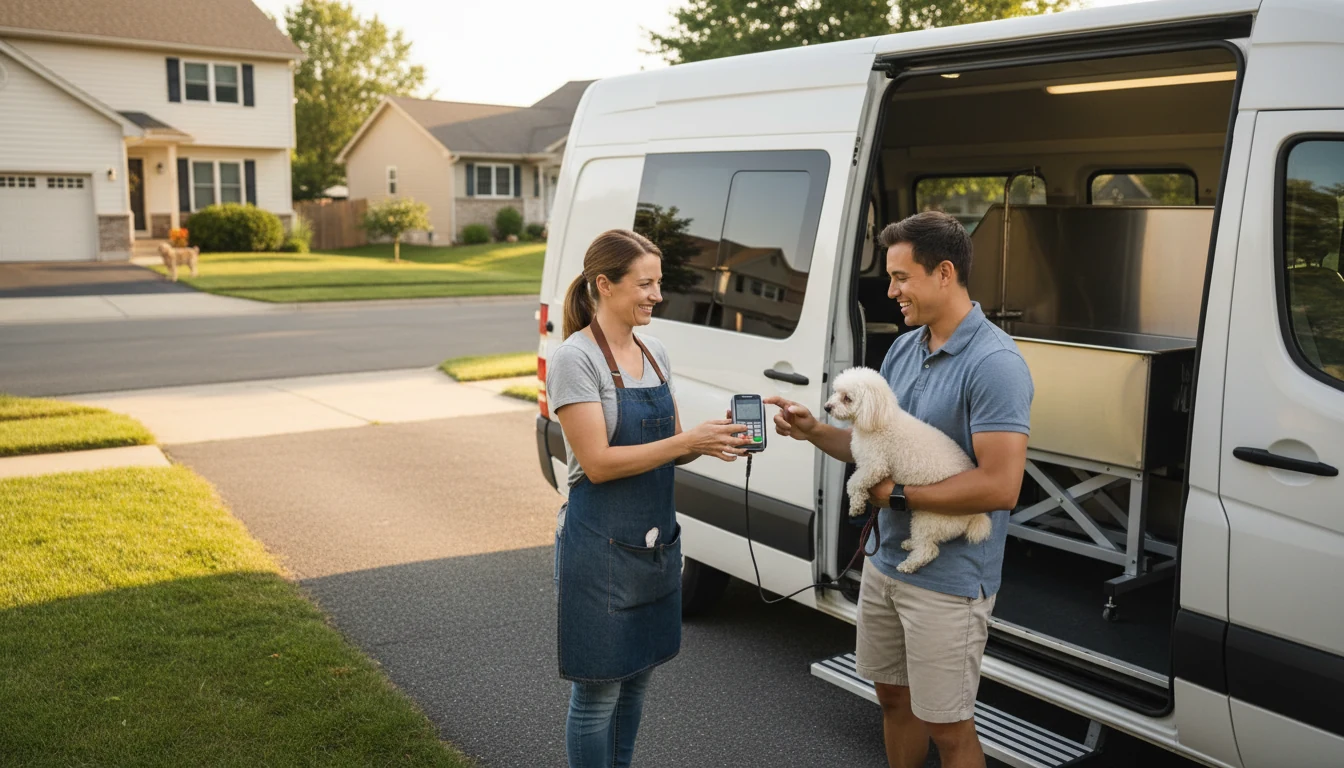
For a boutique, that can mean checking out a customer near the fitting room before interest fades. For a food truck, it can mean keeping the line moving during a lunch rush. For a mobile pet groomer, it can mean collecting payment right after the appointment, while the service is fresh in the customer’s mind.
Kadepay.com supports this shift by giving businesses tools that fit the way they already sell. The goal is simple: accept payments securely, manage transactions clearly, and reduce the stop-start moments that slow a business down.
Better operations start with fewer bottlenecks
Sales tools should make work easier, not create another task for staff to manage. A good mobile POS system helps teams spend less time handling payment issues and more time serving customers.
Kadepay.com is built around practical use. Businesses can accept common digital payments, track transaction activity, and use reporting features to understand how sales are moving. The system is designed for teams that need fast adoption, especially when staff members have different comfort levels with technology.
A mobile POS can improve operations in four major ways.
Staff can serve customers from more places
When payment is tied to a counter, staff movement is limited. With mobile POS, checkout can happen on the sales floor, at a table, beside a display, or in the field.
This matters most during busy periods. A restaurant can reduce crowding near the register. A vendor at a market can serve the next person faster. A retail associate can answer a product question and complete the sale in one interaction.
The customer does not have to restart the buying process somewhere else.
Sales data becomes easier to use
Business owners often make better choices when they can see patterns clearly. Which items sell best on weekends? Which services produce the most repeat transactions? Which location or event performs best?
Mobile POS systems can help capture those answers. Instead of relying on handwritten notes, end-of-day memory, or separate card terminal summaries, teams can review sales activity in one place.
Kadepay.com offers reporting tools that support this kind of visibility. Reports can help businesses spot high-demand products, compare periods, and assess payment trends. That is useful for ordering, staffing, planning promotions, and deciding where to spend time.
Inventory and payments can work together
For product-based businesses, payment is only one step. Inventory has to stay current too.
When POS activity connects with inventory tools, a sale can update stock counts without a separate manual entry. That reduces the chance of overselling, missing a reorder point, or wasting time reconciling records later.
Kadepay.com’s integration capabilities are especially valuable here. Businesses can connect payment activity with other systems they already use, such as accounting tools, online stores, customer databases, or inventory platforms, depending on their setup.
The benefit is consistency. Staff do not have to enter the same information in three places.
End-of-day work gets simpler
Closing out the day can be a hidden drain on time. Teams may need to count payments, match receipts, review refunds, check tips, and prepare records for accounting.
A mobile POS system can reduce that burden by keeping transaction data organized as sales happen. Kadepay.com gives businesses a clearer transaction trail, which can make review and reconciliation less stressful.
That does not remove the need for good financial controls. It does make the work easier to follow.
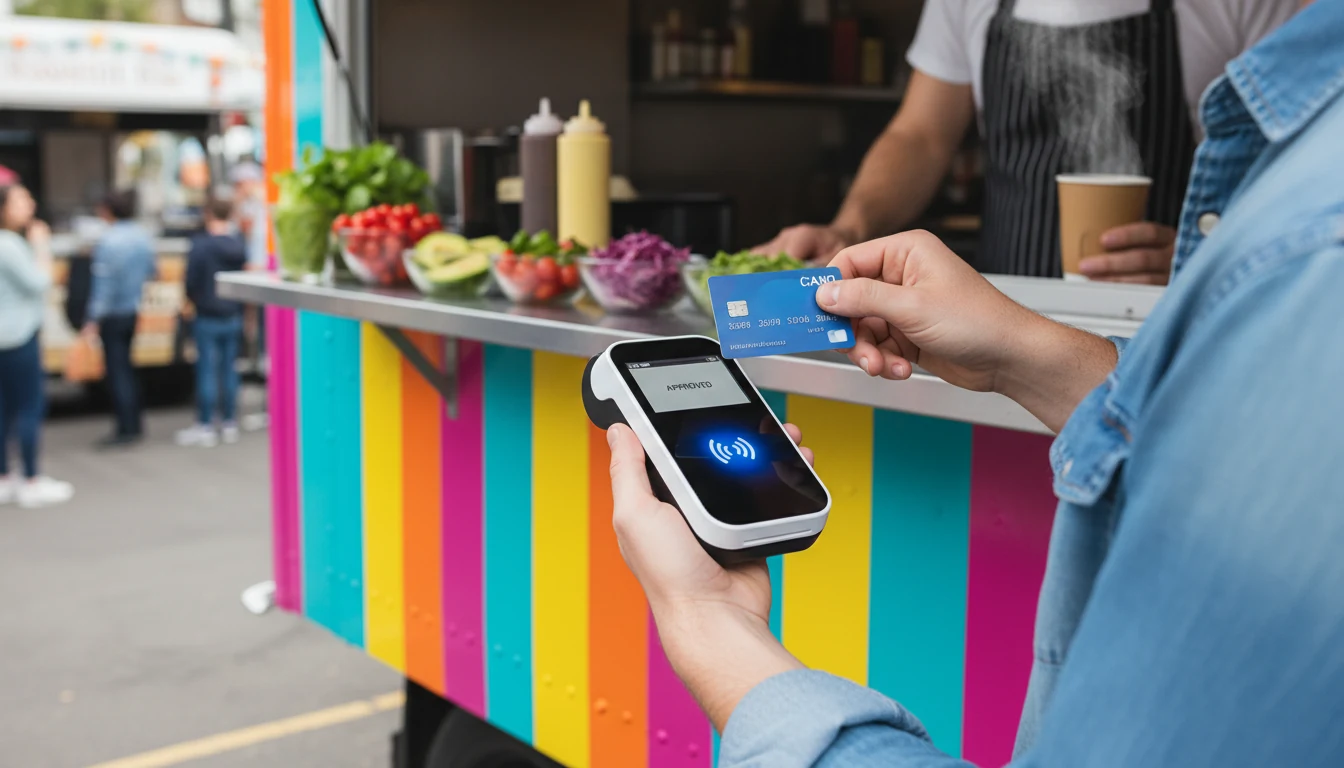
A smoother customer experience can lead to more sales
Customers rarely praise a payment process when it works well. They notice when it fails.
A long line, a rejected payment method, a confusing receipt process, or a slow checkout can weaken an otherwise good buying experience. A mobile POS system helps remove those points of friction.
The customer experience improves in several simple ways.
What customers want | How mobile POS helps |
Fast checkout | Payment can happen on the spot |
Payment choice | Businesses can accept cards, contactless payments, and other digital options |
Clear receipts | Digital receipts can be sent quickly |
Less waiting | Staff can serve customers away from one fixed register |
Easier service | Payment fits into the interaction instead of interrupting it |
Speed matters because buying intent is strongest in the moment. If a customer is ready to buy, the business should make the next step easy.
That is where Kadepay.com can help increase sales. The system supports fast, flexible payment acceptance, so businesses can capture more transactions while interest is high. This is the practical promise behind Why Mobile POS Systems Boost Sales with Kadepay com for Smarter Business Operations: when payment becomes easier, selling often becomes easier too.
Mobile POS also supports more personal service. In a retail setting, an associate can help a customer compare two items, answer questions, and complete the sale without sending them away. In a salon, staff can take payment at the chair. At a community event, a nonprofit can collect donations or merchandise sales without relying on cash.
The payment moment feels less like a chore and more like a natural close to the interaction.
That can also improve trust. Customers are used to digital payments in everyday life. When a business offers a familiar, clean process, it signals that the operation is prepared and easy to work with.
Kadepay.com gives businesses a practical mobile POS path
A mobile POS system only delivers value if people actually use it. Complicated tools sit idle. Confusing payment flows create errors. Hard-to-connect systems create more work than they remove.
Kadepay.com focuses on the core needs that matter most to small and growing businesses.
Simple payment acceptance
Kadepay.com helps businesses accept payments without being tied to one checkout station. That includes use cases such as in-store sales, curbside transactions, mobile services, pop-up shops, and event selling.
A flexible payment setup can support:
Card payments
Contactless payments
Digital receipts
Mobile checkout
Remote or on-site transaction needs
For businesses that operate in more than one place, that flexibility is valuable. A shop can sell inside its store during the week and at a weekend event without building a separate payment process.
Easy setup for busy teams
Business owners do not have extra hours to decode complicated software. Staff need to learn quickly, especially in high-turnover industries or seasonal operations.
Kadepay.com is designed to be easy to use, with a payment flow that staff can understand without heavy training. That matters because speed of adoption affects return on investment. The faster a team feels comfortable, the faster the system starts helping.
This is especially useful for businesses that add checkout points during peak periods. A garden center in spring, a bakery during the holidays, or a concession stand during a tournament may need temporary staff to take payments accurately. Mobile POS tools make that more manageable.
Useful reporting for better decisions
A business cannot improve what it cannot see.
Kadepay.com’s reporting features help owners and managers review transaction activity, track sales, and understand performance patterns. Clear reporting can guide decisions such as:
Which products to reorder
Which services to promote
Which days need more staff
Which sales channels perform best
Which payment types customers prefer
The value is not in having more data for its own sake. The value is in seeing what happened and making better choices the next day.
Integration with the tools businesses already use
Payment data becomes more useful when it connects with the rest of the operation.
Kadepay.com’s integration capabilities can help businesses link transactions with systems such as accounting, inventory, customer management, or e-commerce platforms. That connection reduces duplicate work and helps keep records aligned.
For example, a retailer that sells both online and at local events needs a reliable way to keep stock and sales records consistent. A service business may want payment records to connect with invoicing or customer history. A restaurant may need payment flow to work with order management.
The right integrations help the POS become part of the business, not a separate island.

Real-world ways businesses use Kadepay.com successfully
The best way to understand mobile POS value is to look at everyday business situations. These examples are based on common use cases for businesses using tools like Kadepay.com, with details kept general and realistic.
A food truck keeps the lunch line moving
A food truck has a narrow sales window. If the line moves slowly, customers walk away. Cash handling also slows service when staff need to make change, manage receipts, and keep orders moving.
By using Kadepay.com on a handheld device, the truck can accept card and contactless payments at the window. Staff can complete sales quickly, reduce cash handling, and keep the line moving during peak lunch hours.
The result is a smoother flow. Customers get served faster, and the business has clearer records at the end of the day.
A boutique sells from the floor instead of the counter
A small boutique may lose sales when customers have to wait at the register or leave the fitting area to check out. With Kadepay.com, a sales associate can complete payment near the customer, send a digital receipt, and keep the experience personal.
This supports higher service quality. It also helps capture impulse purchases, add-on items, and time-sensitive decisions before the customer changes their mind.
For a boutique owner, mobile checkout can make a small team feel larger because staff are not tied to one point of sale.
A home service provider collects payment on-site
Plumbers, cleaners, landscapers, tutors, and repair professionals often finish work away from a storefront. Waiting to send an invoice later can delay payment and add follow-up work.
With a mobile POS setup through Kadepay.com, the provider can collect payment at the job site. The customer can pay right after the service, and both sides have a clear receipt.
That helps cash flow and reduces administrative work. It also gives the customer a cleaner end to the service visit.
A market vendor tracks event performance
A vendor selling at farmers markets or craft fairs needs to know which events are worth repeating. Cash totals alone do not always show enough detail.
Using Kadepay.com, the vendor can accept modern payments and review sales activity after each event. Over time, those records can show which products sold best, which time slots were strongest, and which locations produced the best return.
That makes planning less dependent on guesswork.
How mobile POS systems increase revenue opportunities
Mobile POS systems do not create demand by themselves. They help businesses capture demand that is already there.
That difference matters. A payment system cannot replace a good product, fair pricing, or helpful service. It can reduce the number of sales lost to friction.
Here are the revenue gains businesses often see when payment becomes easier:
Fewer abandoned purchases
Customers are less likely to leave when checkout is fast and payment options are familiar.
More selling locations
Businesses can sell at events, pop-ups, job sites, markets, and curbside pickup areas.
Better add-on sales
Staff can suggest related items and complete checkout immediately.
Faster table or line turnover
Restaurants, cafés, and food vendors can serve more customers during busy periods.
Clearer sales tracking
Better records help owners plan inventory and staffing around actual patterns.
A mobile POS system also helps businesses look more prepared. That can matter for newer companies trying to earn trust. When payment is easy, receipts are clear, and the process feels familiar, customers often feel more comfortable buying.
Kadepay.com brings these benefits into one accessible payment setup. Its mix of mobility, ease of use, reporting, and integration makes it a strong option for businesses that want to modernize payments without adding unnecessary complexity.
The takeaway for smarter business operations
Mobile POS systems help businesses sell where customers are, not just where the register sits. They reduce bottlenecks, improve service, organize transaction data, and open new sales opportunities across storefronts, events, delivery settings, and service visits.
Kadepay.com is a leading solution because it focuses on the things businesses need most: simple mobile payment acceptance, easy day-to-day use, clear reporting, and connections with other business tools. Those features can help teams work faster, serve customers better, and make decisions with more confidence.
The smartest payment system is the one that fits naturally into the sale. When checkout feels easy for staff and customers, the business has a better chance to turn interest into revenue.