
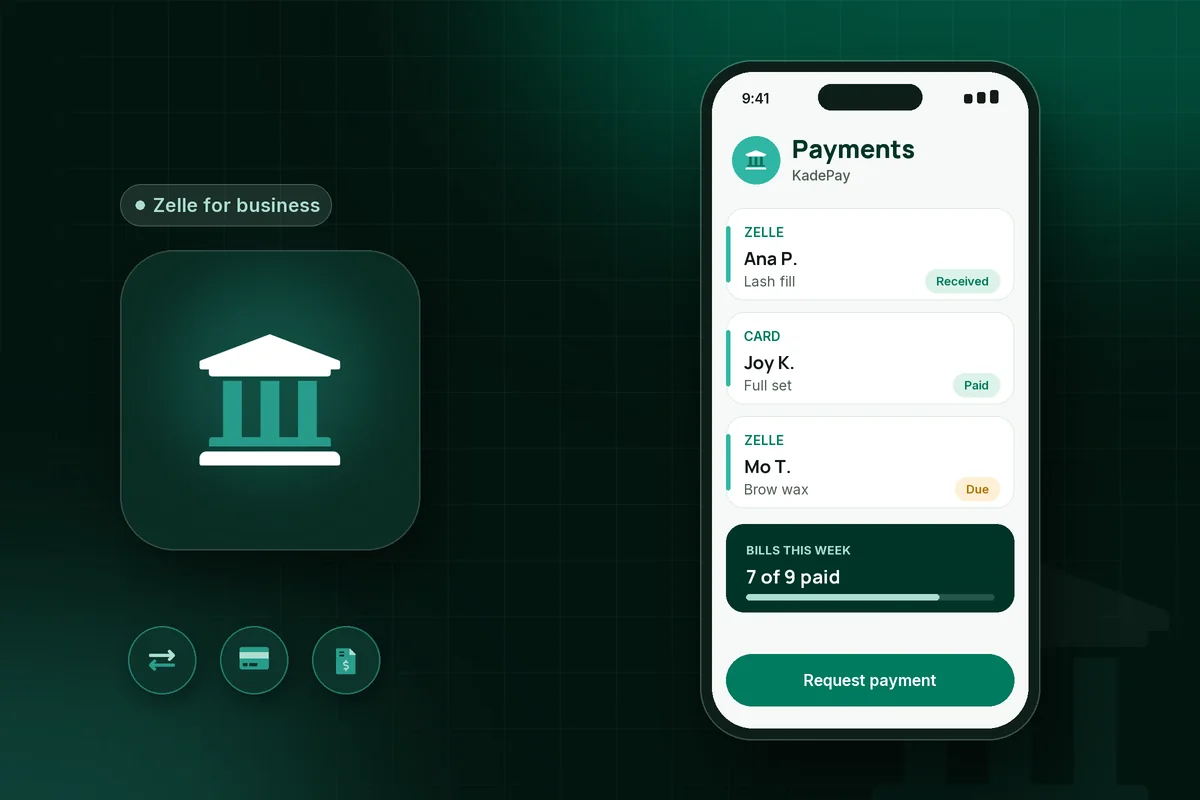
Zelle for business lets clients pay you from their own banking app straight into your business checking account, usually within minutes, as long as your bank offers Zelle for small business accounts. Fees and limits are set by your bank, Zelle offers no purchase protection, and payments to an enrolled recipient cannot be reversed.
Zelle for business takes bank-to-bank payments with no card reader and, at many banks, no per-payment fee. It works best with regulars you already know. If you are still choosing the app that runs your bookings and payments, the hair stylist app guide covers what to look for.
What is Zelle for business?
Zelle for business is your bank's Zelle service turned on for an eligible business checking account. Clients pay you from their bank app using your email, U.S. mobile number or Zelle tag, and Zelle says money typically reaches an enrolled recipient within minutes.
- Zelle tag. Zelle says only eligible small business account holders can create a Zelle tag; Chase says tags let customers pay you "without sharing your personal info."
- Who it fits. Chase's business Zelle page says good-fit businesses "typically receive payment by cash and check," and lists health and beauty specialists and service providers among its examples.
Zelle business account vs personal Zelle
A Zelle business account is Zelle on your bank's business checking, not a separate signup. Zelle's small business FAQ says "Not all banks and credit unions offering Zelle® to consumers offer Zelle® for small businesses," so ask your bank first.
Zelle fees for business
Zelle's small business FAQ answers the fee question with "It depends. Check with your financial institution to see what fees may apply." Two large banks, checked November 4, 2026:
- Bank of America: its service agreement says "There is no fee for sending or receiving a transfer under the Service."
- Wells Fargo: "Wells Fargo does not charge a fee to send or receive money with Zelle®." Regular account fees, such as monthly service fees, may still apply.
Card payments and Venmo or Cash App business accounts take a fee from each payment; the credit card fee calculator shows what that costs you.
Zelle business limits
Zelle business limits are set by your bank, not by Zelle. Examples from official bank pages, accessed November 4, 2026:
- Wells Fargo business accounts can send up to $15,000 in a rolling 24 hours and $60,000 in a rolling 30 days. Wells Fargo does not limit how much you receive.
- Bank of America small business daily sending limits rise with how long you have been enrolled: $2,000 (20 transactions) in the first 15 days, up to $15,000 (20 transactions) after 60 days, with a monthly limit of $100,000 (120 transactions). There are no receiving limits.
- Chase does not publish business limit figures on its business Zelle page. Check the Chase app or ask a banker.
The client's limit often matters more than yours. At Bank of America, a consumer enrolled 30 days or less can send $1,000 a day, rising to $3,500 after 60 days. A large balance from a new client may not go through in one payment.
Can Zelle payments be reversed?
No. Zelle says "Zelle® payments cannot be reversed," and a payment can only be canceled if the recipient has not yet enrolled. Zelle also says it "does not offer purchase protection," and Wells Fargo says neither it nor Zelle offers purchase protection.
For you, that means no chargebacks after the service. For clients, it means little recourse, so many only pay people they trust. Before you refund an "overpayment" or hold a date, confirm the money is in your bank account, not just in a screenshot. Zelle says qualifying imposter scams may be eligible for reimbursement through your bank.
Does Zelle send a 1099-K?
No. Zelle says it "does not issue 1099K forms for payments made on the Zelle® network" and does not report transactions to the IRS, including for small business accounts. The IRS says: "Whether or not you receive a Form 1099-K, you must still report any income on your tax return." This is general information, not tax advice.
Zelle vs Venmo business vs Cash App business vs card
Zelle is the only one of the four with no fee at many banks and no dispute path at all. Compared by type, as of November 2026:
| Zelle (bank business account) | Venmo business profile | Cash App business account | Card payments | |
|---|---|---|---|---|
| Fees | Set by your bank; Bank of America and Wells Fargo charge none | Per-payment fee taken by Venmo | Per-payment fee taken by Cash App | Per-payment processing fee |
| Protection | No purchase protection; cannot be reversed | Eligible payments can qualify for Venmo Purchase Protection | Governed by Cash App's terms | Cardholders can dispute charges with their card issuer |
| Speed | Typically minutes between enrolled users, straight to your bank | Lands in Venmo balance, then transfer to bank | Lands in Cash App balance, then transfer to bank | Paid out on your processor's schedule |
| Records | A line on your bank statement; no 1099-K from Zelle | Venmo activity; may issue a 1099-K | Cash App activity; may issue a 1099-K | Processor reports and receipts |
Details live in the Venmo business account guide and Zelle vs Venmo.
When Zelle works for a service business
Zelle works best when you already trust the client and the amount is large enough that a percentage fee hurts.
- Regulars. A client who has seen you for a year is unlikely to dispute a fill or a cleaning.
- Large balances. A bridal party or an extension install. On an illustrative $400 balance, a 3% card fee would be $12; at a bank that charges no Zelle fee, the Zelle payment costs you nothing extra.
When Zelle is not the right fit
- New clients. They have no protection if something goes wrong, so many will hesitate.
- Deposits from strangers. A card deposit gives both sides a clearer record and a dispute path.
- Cancellation fees. Zelle cannot charge a card you hold on file; you have to ask the client to send money.
- Your bank does not offer it, or the client's daily limit is too low.
What KadePay sees service pros get wrong with Zelle
These are patterns the KadePay team hears, not survey results.
- Taking client payments into a personal Zelle account, then sorting business from personal at tax time.
- Treating a payment screenshot as proof the money arrived.
- Leaving Zelle payments as bank statement lines with no link to the client or appointment.
- Assuming that no 1099-K means the income does not need reporting.
Keeping Zelle payments organized
Keep one record per client that shows every payment, whatever the method. KadePay processes card, Apple Pay and Cash App payments through Stripe (KadePay is a Stripe Verified Partner). Zelle payments are tracked: if you accept Zelle, the bill shows clients the details they need to pay you, and the payment stays tied to that bill. KadePay does not process Zelle payments: clients still pay in their bank app, and your bank's terms and fees apply.
KadePay also gives you a booking link that creates requests you review and confirm, plus deposits collected on the bill, so new clients you would rather not take Zelle from can pay by card. The $0 monthly plan includes 60 booked appointments each month, then $0.15 per appointment; usage and payment fees apply.
To keep bookings and every payment method in one place, start free with KadePay.
Related reading
- Hair stylist app: what booth renters need and how to choose
- Zelle vs Venmo: which payment app is right for you
- Venmo business account
Sources
All accessed November 4, 2026.
- Zelle, Small business FAQ
- Zelle, Using Zelle FAQ
- Zelle, FAQ
- Chase, Zelle for business
- Bank of America, Online Banking Service Agreement: Zelle transfer limits and fees
- Wells Fargo, Zelle for business FAQs
- Wells Fargo, Zelle for business
- IRS, Understanding your Form 1099-K
- Venmo, Purchase Protection
- Venmo, How do fees work for Venmo business profiles?
- Cash App, Cash App for Business Fees
This article is general information, not tax or legal advice. Bank fees, limits and Zelle terms change; check your bank before you rely on them.