Skip to content
KadePayGet started

KADEPAY FOR COWORKING SPACES

Coworking billing software for spaces with more heart than staff.

Monthly members, drop-in day passes, meeting room hours and the Thursday workshop all bill differently. KadePay runs memberships as recurring bills on Team or Pro, sells day passes and visit packs by link, takes meeting room requests and keeps every membership agreement signed.

Pay-As-You-Go starts at $0 per month. Usage and payment fees apply.

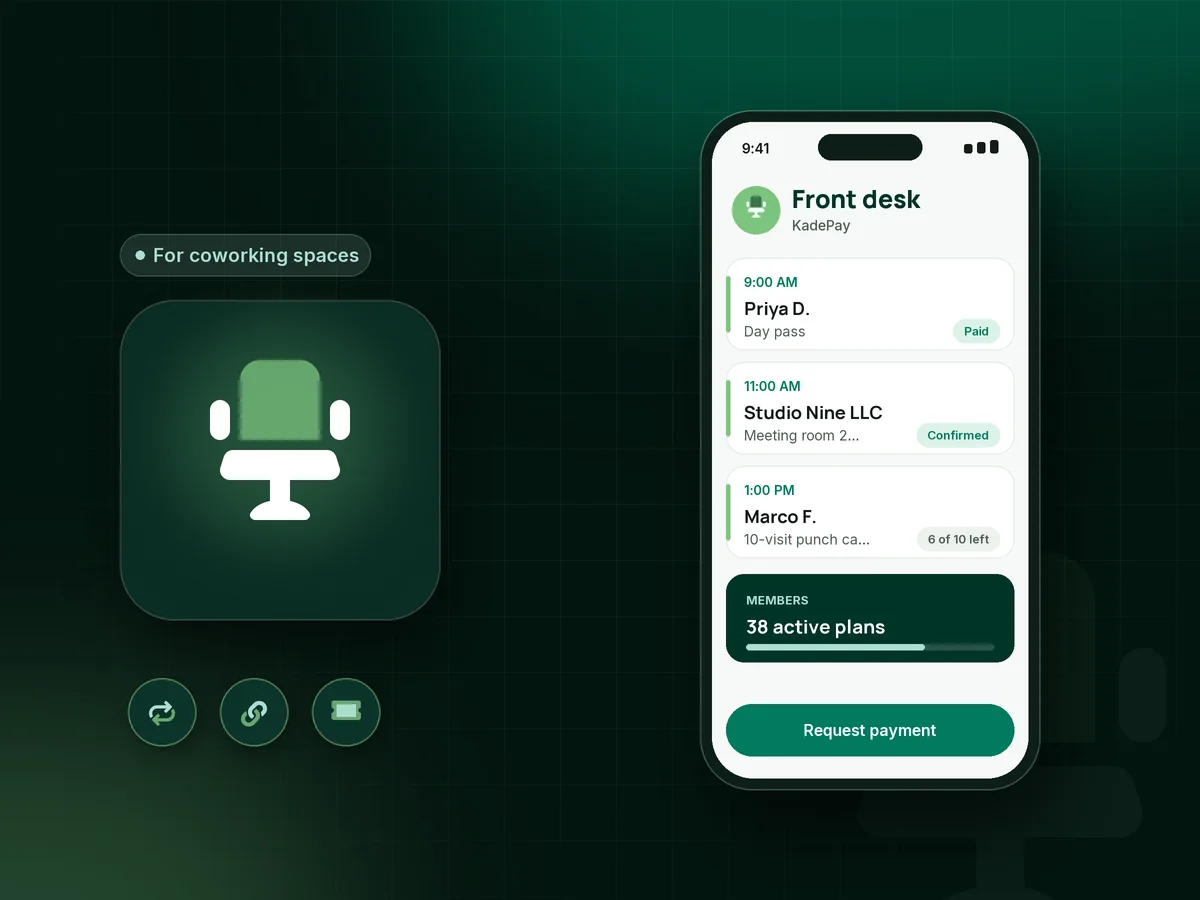
Illustration of coworking billing software with a dedicated desk membership, a day pass paid by link and a meeting room request

Sound familiar?

Run the space, not the spreadsheet.

Small coworking spaces juggle monthly members, drop-ins, room hours and events, usually with one or two people at the front desk. Here is where billing time disappears, and how KadePay gives it back.

01

Invoicing every member by hand on the first of the month

Forty members, five plan types, and a morning spent building invoices that look exactly like last month's.

With KadePay

Put each coworking membership on a recurring bill on the Team or Pro plan: hot desk, dedicated desk or private office at its own price, collected from the member's saved method.

Recurring billing
02

Drop-ins who want a day pass but not a sales conversation

A remote worker walks in at 10 AM wanting a desk for the day, and the only person who can take payment is giving a tour.

With KadePay

Post a QR by the door for a fixed-price coworking day pass link. The visitor pays on their own phone, and the front desk sees the payment in Transactions when they get back.

Payment links and QR codes
03

Meeting room bookings that collide

Two members both thought they had the conference room at 2 PM, and the one with a client on the way is not happy.

With KadePay

Set up the meeting room as a bookable service. Members request a time from your booking link, you confirm the ones that fit, and your calendar shows what is already taken.

Appointment booking
04

Part-timers who come twice a week and skip monthly plans

Freelancers who come in on Tuesdays and Thursdays will not pay for a full month, but buying a day pass every visit gets old fast.

With KadePay

Sell a 10-visit punch card as a package and record each visit as it is used, so you always know how many visits are left.

Packages and sessions
05

Member agreements and house rules signed on paper

The membership agreement, the guest policy and the mail-handling form live in a binder, and half of them are missing a signature.

With KadePay

Send the member agreement and house rules as forms new members complete and sign on their phone after signing in. Signed copies stay on each member's profile for renewals and disputes.

Forms and signatures

How it fits your week

From the first tour to a regular member

  1. A visitor finds you

    Your Flex Link on the website and the sidewalk sign offers a tour request, a day pass and the membership options in one place.

  2. Trying it out

    They buy a day pass or a 10-visit pack from a link, and you record each visit as they come in.

  3. Becoming a member

    They sign the member agreement and house rules on their phone, authorize a card on file, and start a dedicated desk plan billed monthly on Team or Pro.

  4. Everyday extras

    Extra meeting room hours, printing or a guest's day can be charged to the authorized card with a receipt, and room requests come through your booking link.

  5. Community nights

    Workshops and member mixers sell tickets by link, and each ticket's QR code is scanned at the door, so guests from outside are welcome too.

Every way your members pay

  • Visa
  • Mastercard
  • American Express
  • Discover
  • Apple Pay
  • Google Pay
  • Tap to Pay
  • ACH bank transfer
  • Affirm, where eligible
  • Venmo
  • Zelle
  • QR codes
  • Text and email links

Availability depends on your account setup and eligibility. You confirm Venmo and Zelle payments after checking they arrived.

KadePay for coworking spaces

What small spaces need from the best coworking billing software

Full coworking space management software bundles desk maps, visitor systems and access hardware. Plenty of independent spaces do fine without most of that, but they still need billing that does not eat the first week of every month: memberships charged on schedule, drop-ins paid at the door and room time paid for.

KadePay handles each coworking membership as a recurring bill on the Team or Pro plan, from a hot desk to a private office. A coworking day pass is a fixed-price link or a QR by the door, and part-time members can buy a punch card package that counts down one visit at a time.

Meeting room booking works as requests you confirm, so you decide before anything lands on the calendar. Workshops and coworking events sell tickets with QR check-in, and every membership agreement is signed on a phone and stored with the member.

KadePay does not run door hardware, desk maps or mail handling. It is the money and paperwork side of your space, with card on file for extras, refunds when a room is canceled, and a transaction download for your bookkeeper at month end.

CLEAR ANSWERS

Coworking spaces: your questions, answered.

What is the best coworking billing software for a small space?

One that bills members without a monthly invoicing marathon. KadePay runs memberships as recurring bills on Team or Pro, sells day passes and visit packages by link, takes meeting room requests and keeps signed agreements on each member's profile.

How do I sell coworking day passes online?

Create a fixed-price payment link for the day pass and share it on your website, or print it as a QR by the front door. Visitors pay by card, Apple Pay or Google Pay on their own phone.

Can members book the meeting room themselves?

They can request it. Set up the room as a bookable service with the durations you offer, members request a time from your booking link, and you confirm it. Nothing is booked until you approve the request.

How do I bill coworking members every month?

On the Team or Pro plan, put each member on a recurring bill at their plan's price, collected from their saved card or bank account. Charge extras like room hours to their authorized card on file, with a receipt each time.

Can KadePay handle coworking events and workshops?

Yes. Sell tickets from a payment link, and each ticket carries a QR code you scan at the door. Members and outside guests buy the same way. Tickets do not assign seats, so set up the room as usual.

How much does KadePay cost for a coworking space?

Pay-As-You-Go starts at $0 per month; payment and usage fees apply, and it suits a space that only sells day passes. Recurring memberships and front desk logins need Team or Pro. See the pricing page.

YOUR WORK COMES FIRST

Make room for more members.

Get started for free