Skip to content
KadePayGet started

KADEPAY FOR PHOTOGRAPHERS

The booking app for photographers who'd rather be behind the lens.

Inquiries, retainers, signed agreements and the last balance before the wedding all land in one place. Couples request a consultation, pay a retainer from a text, and spread the rest over agreed installments, while you spend Saturday shooting instead of chasing payments.

Pay-As-You-Go starts at $0 per month. Usage and payment fees apply.

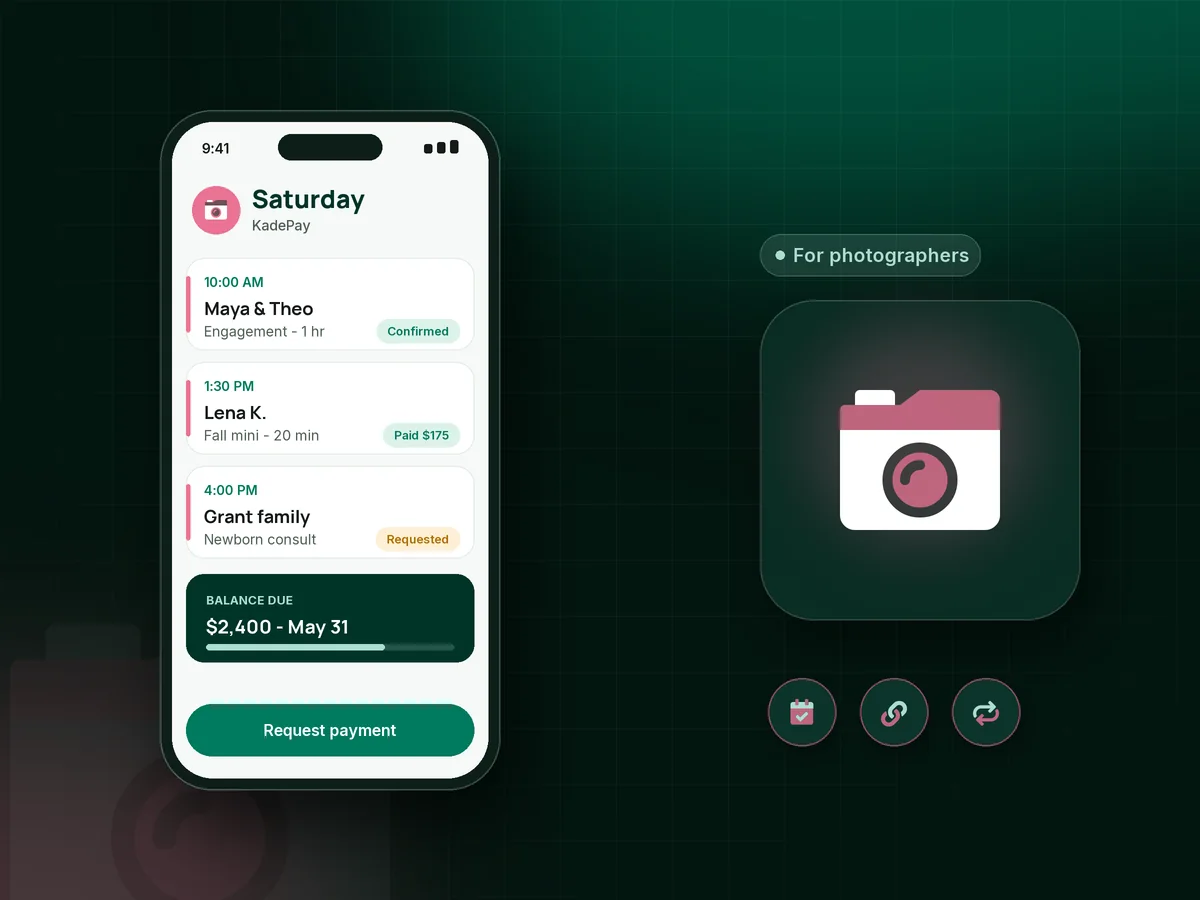
Illustration of a booking app for photographers showing consultation requests, a signed agreement and a paid wedding retainer in KadePay

Sound familiar?

You book the shoot. Then you chase the money.

Photographers spend more hours on inquiries, retainers and balance reminders than anyone outside the business would guess. These are the money moments that eat into editing time, and what KadePay does with each one.

01

Couples who say yes but never send the retainer

They loved the consultation and said they were in. Two weeks later the date is still open, the retainer is unpaid and another couple just asked about the same Saturday.

With KadePay

Send the retainer as a bill with your agreement attached, and the couple pays from the text. On Team or Pro, make it a vanishing bill that expires when your date hold ends, so the decision happens on your timeline.

Vanishing bills
02

The wedding balance that is still open the week of the wedding

Your contract says the balance is due 30 days out. Nobody wants to send a payment reminder to a bride during her final dress fitting, so it slides.

With KadePay

Agree on a photography payment plan at booking: three or four installments collected from a saved card the couple authorized. The balance is settled before the date and nobody has to bring it up.

Payment plans
03

Questionnaires and contracts scattered across email threads

The shot list is in one email, the signed contract is a scanned PDF in another, and the venue coordinator's name is somewhere in a DM.

With KadePay

Build a photography client questionnaire and your service agreement as KadePay forms. Couples fill them in and sign on their phone, and every answer stays on their profile next to the bills.

Forms and signatures
04

Mini session days with forty families and forty ways to pay

Back-to-back 20-minute slots at the pumpkin patch, and half the families want to pay at the tailgate with a card, Venmo or a crumpled twenty.

With KadePay

Families request a 20-minute slot through your booking link, then pay the session fee from a fixed-amount link. Walk-ups pay with Tap to Pay on a compatible phone, and Venmo gets recorded with the rest.

Appointment booking
05

Extra hours and album upgrades agreed on the dance floor

At 10 PM the couple asks you to stay another hour. You say yes, and three weeks later you are writing an awkward email about the $350.

With KadePay

Text a bill for the extra coverage while it is fresh, or charge the card the couple authorized at booking for the add-on they approved. They get a receipt, and you get to drive home.

Card on file

How it fits your week

How a wedding season runs with KadePay

  1. An inquiry turns into a consultation

    A couple taps the link in your Instagram bio and requests a call or studio visit. You look it over, confirm the time and add their wedding date to the profile.

  2. Agreement and retainer, same day

    Send your service agreement as a form they sign on their phone, then a retainer bill with the wedding timeline attached. Your policy decides when the date counts as held.

  3. The balance, in agreed installments

    Set a payment plan toward the remaining package, collected from the card they authorized and finishing a few weeks before the wedding. You both see what is paid and what is next.

  4. Wedding day stays about the photos

    Questionnaire answers, the family photo list and venue details sit on the couple's profile. Private notes remind you which side of the family needs a separate group shot.

  5. After-wedding add-ons

    Album upgrades, extra prints or an anniversary session go out as a new bill, or get charged to the saved card with the couple's authorization.

Every way your clients pay

  • Visa
  • Mastercard
  • American Express
  • Discover
  • Apple Pay
  • Google Pay
  • Tap to Pay
  • ACH bank transfer
  • Affirm, where eligible
  • Venmo
  • Zelle
  • QR codes
  • Text and email links

Availability depends on your account setup and eligibility. You confirm Venmo and Zelle payments after checking they arrived.

KadePay for photographers

Choosing a booking app for photographers who shoot weddings and portraits

A lot of photography studio management software tries to run everything from lead forms to album design. If you already deliver galleries through a platform you like, the part that usually hurts is the money: retainers that sit unpaid, balances due in the busiest month of the year, and add-ons agreed at the reception. KadePay focuses on that part and on the booking requests and signed forms around it.

Photographer invoicing works best when the bill carries the context. Attach the signed agreement or wedding-day timeline to the bill, send it by text, and let reminders follow up for you. Couples can pay by card, Apple Pay, Google Pay or bank transfer, and eligible couples may see Affirm pay-over-time on larger packages, subject to provider approval.

Portrait and family photographers have a different rhythm. A fall mini session day might mean thirty families in four hours. Booking requests handle the time slots, a fixed-amount link handles the session fee, and Tap to Pay on a compatible phone handles the family that wants to add a print at the park.

Not every client pays by card. Some send Venmo or Zelle from their own app, and you record it in KadePay so the wedding shows as paid, with no KadePay fee on the recorded payment. At tax time your bookkeeper gets one transaction download instead of screenshots from three apps.

CLEAR ANSWERS

Photographers: your questions, answered.

What is the best booking app for photographers who shoot weddings?

Look for one that handles the whole money side of a booking: consultation requests, a signed agreement, a retainer, installments toward the balance and add-ons after the day. KadePay does those in one place and leaves gallery delivery to the tool you already use.

How do I take a retainer as a wedding photographer?

Send the retainer as a bill or fixed-amount link with your signed agreement attached. The couple pays by card, wallet or bank transfer, and your custom receipt text can explain what happens next. Your agreement, not the app, decides when the date is officially held.

Can couples pay the wedding photography balance in installments?

Yes. Agree on a number of installments with the couple, and KadePay collects each one from an eligible saved method they authorized. Setting the last installment a few weeks before the wedding keeps money talk out of the day itself.

Do I need a card reader for photographers to take payments at a shoot?

No. With the KadePay app and completed payment setup, Tap to Pay works on a compatible iPhone or Android phone. You can also text a payment link, show a printed QR code, or buy a card reader if you like having one.

Does KadePay deliver galleries or handle photo proofing?

No. KadePay is not a gallery delivery or proofing tool, so keep delivering through the platform you use now. KadePay handles bookings, agreements, retainers, payment plans and add-ons, and shared folders work for inspiration photos or venue floor plans from the couple.

How much does KadePay cost for a solo photographer?

Pay-As-You-Go is $0 per month. Payment and usage fees apply. Team at $10 per month lets an associate shooter log in as a team member and adds vanishing bills, and Pro is $35 per month. The pricing page compares each plan before you pick one.

YOUR WORK COMES FIRST

Make room for more clients.

Get started for free