Skip to content
KadePayGet started

KADEPAY FOR DIRECT PRIMARY CARE

Direct primary care membership billing without the spreadsheet.

You left claims and coding behind to spend time with patients, not to reconcile who paid this month. KadePay bills monthly and family memberships to an authorized card or bank account, collects enrollment fees, sends bills for at-cost labs and keeps signed membership agreements with each patient.

Pay-As-You-Go starts at $0 per month. Usage and payment fees apply.

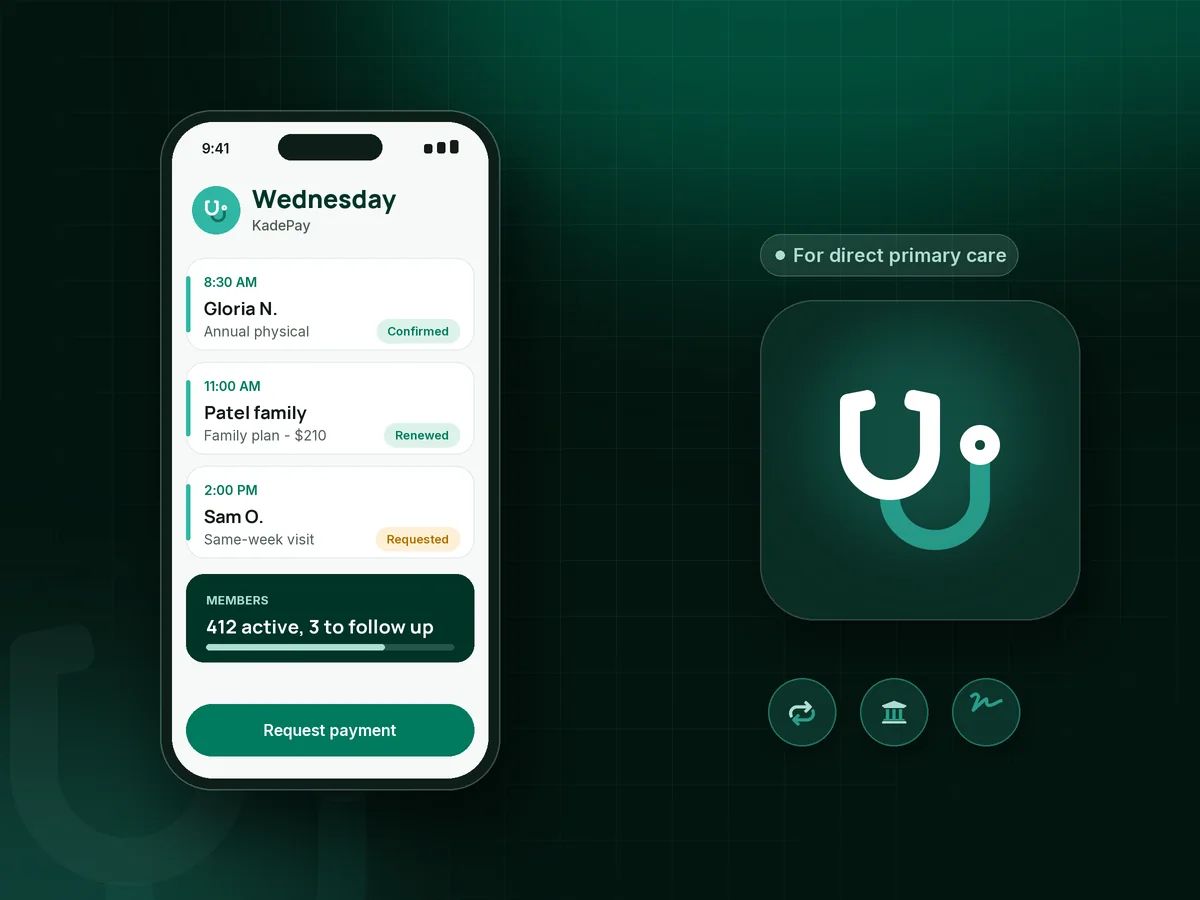
Illustration of direct primary care membership billing in KadePay with monthly member payments, a family plan and visit requests

Sound familiar?

The membership model is simple. Collecting it should be too.

Direct care practices trade claims for a monthly fee, and the business side depends on that fee arriving. These are the billing chores DPC physicians and office managers mention most, and how KadePay handles each one.

01

Monthly dues tracked across a spreadsheet and a card terminal

Every first of the month, someone checks 400 names against the processor report and emails the ones whose payment did not go through.

With KadePay

On Team or Pro, set each member up with a recurring membership billed to the card or bank account they authorized. Members are notified of each charge, and your staff works from one list of who paid.

Card on file
02

Family plans and age tiers that do not fit one price

Two adults at $75, a teenager at $35 and a toddler at $25 add up to one family bill, and it changes the month a child turns 18.

With KadePay

Set membership amounts for each tier you offer and bill the family as one recurring membership to the parent's saved method. When a child ages into a new tier, you change the amount on that membership.

Recurring billing
03

Enrollment fees and agreements handled on paper

A new patient wants to join today, but the membership agreement, the $75 enrollment fee and the card authorization are three separate steps.

With KadePay

Send your membership agreement and policies as forms the patient signs on their phone, then a fixed-amount link for the DPC enrollment fee. The card authorization for monthly dues happens in the same sitting.

Forms and signatures
04

At-cost labs and medications billed as an afterthought

You promise wholesale lab pricing, then forget to bill the $14 lipid panel until three months of small charges have piled up.

With KadePay

Send a bill for at-cost labs or dispensed medications right after the visit, or charge the authorized card on file. The patient sees each item on the receipt and pays without a phone call.

Ways to get paid
05

Visit requests that arrive by voicemail

Members love direct access, but scheduling a routine visit still means phone tag between the front desk and a patient at work.

With KadePay

Share a booking link with visit types and durations. Members request a time, your team confirms it, and automatic appointment reminders go out before the visit.

Appointment booking

How it fits your week

How a DPC membership runs in KadePay

  1. A patient considers joining

    They request a meet-the-doctor visit from your booking link, and your office confirms it. If they decide to join, enrollment can happen the same day.

  2. Agreement, fee and authorization

    The patient signs the membership agreement on their phone, pays the enrollment fee by link and authorizes a card or bank account for monthly dues.

  3. Dues every month

    On Team or Pro, the recurring membership bills on its schedule and the member gets a receipt. Your staff follows up only on the payments that need a nudge.

  4. Visits and extras

    Members request visits through your link. At-cost labs, medications or a procedure fee go on a bill or the saved card, with nothing to submit to a payer.

  5. Employers and families

    Bill a small employer once a month by email for its enrolled employees, and bill family memberships to the parent who pays for the household.

Every way your patients pay

  • Visa
  • Mastercard
  • American Express
  • Discover
  • Apple Pay
  • Google Pay
  • Tap to Pay
  • ACH bank transfer
  • Affirm, where eligible
  • Venmo
  • Zelle
  • QR codes
  • Text and email links

Availability depends on your account setup and eligibility. You confirm Venmo and Zelle payments after checking they arrived.

KadePay for direct primary care

Direct primary care membership billing: what the best DPC software gets right

DPC billing software has one main job: collect the membership every month without your staff touching it. Everything else, from family membership plans to the occasional at-cost lab bill, is easier when that core is reliable and members get a receipt for each charge.

Good DPC membership management also covers the edges. A DPC enrollment fee at signup, age-based tiers, a signed membership agreement and clear cash-pay lab pricing all belong in one record per patient, not in three systems and a binder. KadePay keeps payments, forms, visit requests and private business notes together on each profile.

Concierge medicine billing often adds an annual retainer. Some members pay it at once and others prefer a payment plan with a fixed number of installments, and KadePay can collect either from a saved card or bank account. Employer DPC billing works as a monthly bill emailed to the business and paid by bank transfer or card.

Membership medicine payments are simpler because there are no claims to chase. KadePay handles booking requests, forms, packages and payments, and your EHR keeps the clinical record. The two sit side by side, and your staff spends the first of the month with patients instead of a report.

CLEAR ANSWERS

Direct primary care & concierge practices: your questions, answered.

What is the best DPC software for membership billing?

For billing, the best fit collects monthly dues from authorized cards or bank accounts, handles family tiers and enrollment fees, and keeps signed agreements in the same record. KadePay does that and adds visit booking requests and bills for labs, while your EHR keeps the chart.

How do I bill monthly direct primary care memberships?

On the Team or Pro plan, create a recurring membership for each patient or family, such as $75 a month for an adult. The patient authorizes a card or bank account once, is notified of each charge and can revoke the authorization if they leave the practice.

Can I charge a DPC enrollment fee online?

Yes. Create a fixed-amount payment link, for example $75, and send it with your membership agreement form. The patient pays from their phone and signs the agreement in the same sitting, and both stay on their profile for your records.

Does KadePay replace my EHR or handle insurance?

No. In a DPC practice, KadePay covers payments, booking requests, forms, packages and business notes, not clinical or medical records or insurance claims. Keep charting, orders and results in your EHR, and use KadePay notes only for business details like billing contacts and preferred contact times.

Can families and employers pay for memberships in KadePay?

Yes. Bill a family membership to the parent who pays, with tiers for adults and children. For employers, send a monthly bill by email for the enrolled employees and let the business pay by bank transfer or card.

How much does KadePay cost for a DPC practice?

Recurring memberships need the Team plan at $10 per month or the Pro plan at $35 per month; payment and usage fees apply. Pay-As-You-Go at $0 per month covers one-time bills and links if you are not billing memberships yet. Details are on the pricing page.

YOUR WORK COMES FIRST

Make room for more patients.

Get started for free