Skip to content
KadePayGet started

KADEPAY FOR OPTOMETRISTS

Optometry payment software for exams, eyewear and contacts.

Glasses get ordered on Tuesday and picked up ten days later, contact lens orders wait on a decision, and cash-pay exams need a quick checkout. KadePay collects eyewear deposits, lets you text a balance bill when the lab order arrives, and takes cards, wallets or Affirm for eligible patients, so the optical counter keeps moving.

Pay-As-You-Go starts at $0 per month. Usage and payment fees apply.

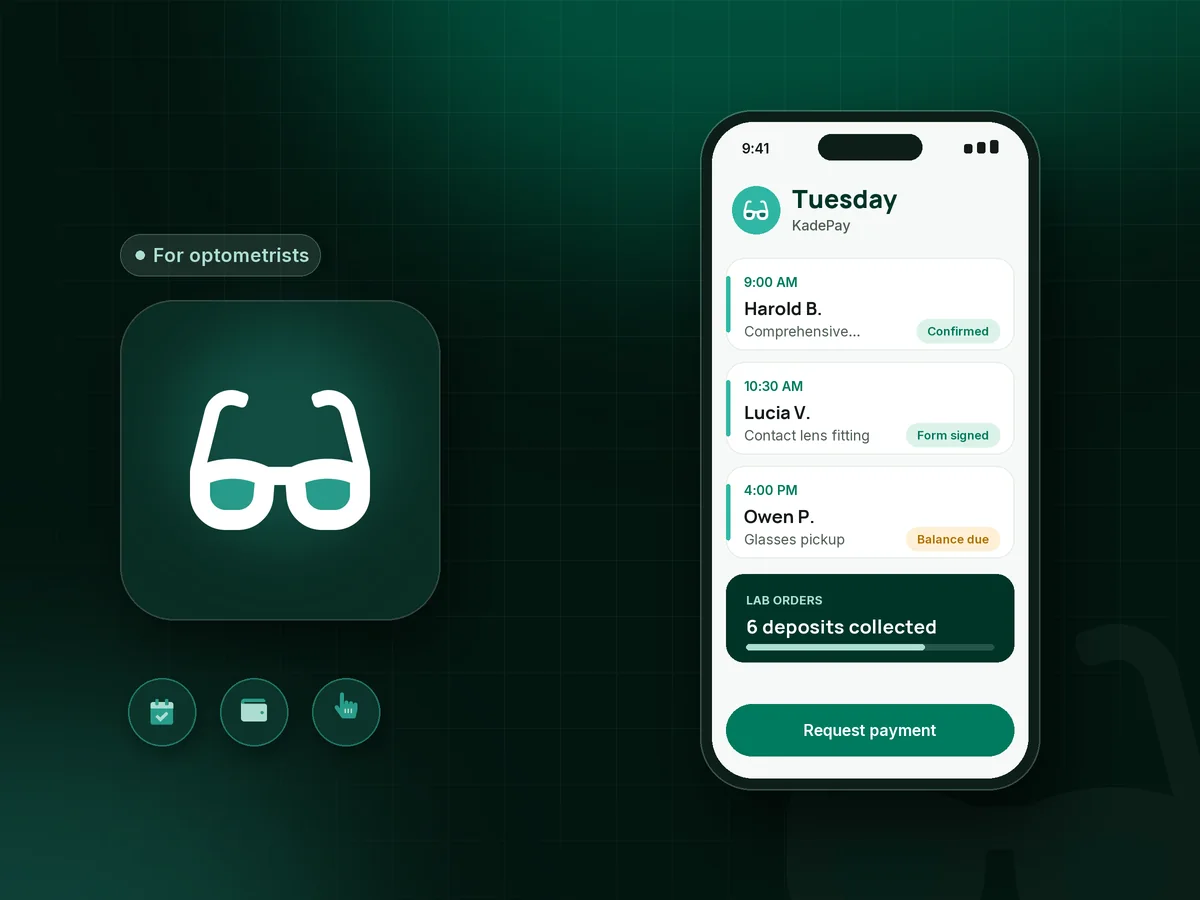
Illustration of optometry payment software in KadePay with eye exam requests, an eyewear deposit and a balance bill for glasses pickup

Sound familiar?

Glasses ordered, lab paid, patient never comes back.

Independent eye care practices front the cost of frames and lenses, mix vision plan visits with private-pay patients, and lose hours to balance calls. These are the moments optometrists and opticians mention most, and how KadePay helps.

01

Custom lenses ordered and never picked up

The lab bill for a pair of progressives arrives either way, and the patient who said yes at the optical counter stops answering after two calls.

With KadePay

Take an eyewear deposit when the order is placed, with a card at the counter or a bill texted to the patient. Your eyewear policy, signed as a form, explains what happens to orders left unclaimed.

Payment links and QR codes
02

Chasing balances with phone calls and mailed statements

Your optician spends Friday afternoon calling patients about $85 left on a frame order, and half of them ask you to mail a statement instead.

With KadePay

Text or email a bill with the balance and turn on reminders. Patients pay from the link with a card, Apple Pay, Google Pay or bank transfer, and the payment appears in your transactions list without anyone keying a card number.

Ways to get paid
03

Premium eyewear that patients put off until next month

A patient loves the $640 frame and lens package but asks to wait, and next month the old glasses still seem good enough.

With KadePay

Offer Affirm pay-over-time to eligible patients, subject to approval, or agree a payment plan with a set number of installments from a saved card. The order can go to the lab today instead of next month.

Payment plans
04

Annual contact lens orders that drift to online sellers

Patients leave with a trial pair and a prescription, then reorder a year of lenses somewhere else because it was easier at midnight.

With KadePay

Text a link for the annual supply right after the fitting, with a customer question asking for pickup or shipping preference. Patients pay from their phone that evening, and you place the order once it shows as paid.

Payment links and QR codes
05

Paper forms slowing down the morning schedule

Every new patient fills out the same clipboard of contact details and office policies, and the 9 AM exam starts at 9:15.

With KadePay

Send new patient forms and your financial policy before the visit. Patients complete and sign them on their own phone, and the responses stay with their profile for the front desk.

Forms and signatures

How it fits your week

From exam chair to glasses pickup

  1. Exam requested online

    A patient taps your booking link, chooses a comprehensive exam or a contact lens fitting and requests a time. Your front desk reviews it and confirms the appointment.

  2. Forms done at home

    Your office policies and new patient forms arrive by text. The patient signs them on their phone, so check-in is a greeting rather than a clipboard.

  3. Exam fee and optical checkout

    Charge the exam fee and the deposit on new glasses with a card reader or Tap to Pay on a compatible phone, or send a bill if the patient prefers to pay later.

  4. The lab order arrives

    When the glasses come back, text the balance bill. A patient who pays from the link walks in for a fitting and an adjustment, not a payment line.

  5. Next year starts here

    Automatic appointment reminders help patients return for their annual exam, and private notes on the profile keep frame preferences and pickup details handy.

Every way your patients pay

  • Visa
  • Mastercard
  • American Express
  • Discover
  • Apple Pay
  • Google Pay
  • Tap to Pay
  • ACH bank transfer
  • Affirm, where eligible
  • Venmo
  • Zelle
  • QR codes
  • Text and email links

Availability depends on your account setup and eligibility. You confirm Venmo and Zelle payments after checking they arrived.

KadePay for optometrists

What to look for in optometry payment software for a private practice

Optometrist patient payments come in more shapes than most practices expect: a cash pay eye exam, an eyewear deposit when the lab order goes in, a balance when the glasses arrive, a contact lens annual supply and the occasional repair. Each one is small on its own, and together they decide whether your optical makes money or carries unpaid lab bills.

Text-to-pay for eye care cuts most of the follow-up work. Instead of calling or mailing a statement, you send a bill to the patient's phone with the amount due and turn on reminders. The patient pays with a card, a phone wallet or a bank transfer, and the payment lands in your transactions list.

For bigger optical orders, a glasses payment plan or Affirm for eligible patients lets someone choose the lenses they need without waiting for next month. Optical shop payments at the counter work with a card reader or Tap to Pay on a compatible phone, and a printed Store Pay Direct QR lets walk-in repair customers scan, enter the agreed amount and pay while staff confirm it in Transactions.

KadePay does not replace your EHR or your vision plan billing. It handles eye exam booking requests, forms and the private-pay side of the practice, which is where most of the chasing happens.

CLEAR ANSWERS

Optometrists: your questions, answered.

What is the best payment app for optometrists in private practice?

One that handles deposits, balances and cash-pay exams without a second system to reconcile. KadePay takes cards, Apple Pay, Google Pay, bank transfer and Affirm for eligible patients, texts balance bills with reminders, and keeps patient forms and booking requests together.

How should an optical take a deposit on glasses?

Many practices collect part of the order when the frames and lenses go to the lab and the rest at pickup. In KadePay, charge the deposit at the counter or text a bill, then send a second bill for the balance when the order arrives. A signed eyewear policy sets the terms.

Can patients pay an optometry balance by text?

Yes. Send a bill by text or email and choose reminders. The patient opens the link and pays with a card, a phone wallet or bank transfer, or uses Affirm for eligible larger orders. You can attach the order summary to the bill so the patient sees what they are paying for.

Does KadePay handle vision plans or store eye exam records?

No. KadePay handles payments, booking requests, forms, packages and business notes, not clinical or medical records or vision plan billing. Keep prescriptions, exam findings and plan billing in your EHR, and use KadePay for private-pay charges, deposits and balances.

Is optometry payment software worth it for a small practice?

If your staff spends hours each week on balance calls or uncollected lab orders, it usually is. Text bills with reminders replace most of those calls, deposits cover the lab cost of custom lenses, and online exam requests cut phone time at the front desk.

How much does KadePay cost for an optometry practice?

An independent practice can begin on Pay-As-You-Go at $0 per month, and payment and usage fees apply. Team at $10 per month and Pro at $35 per month add staff logins with permissions and recurring billing. See the KadePay pricing page for current plan details.

YOUR WORK COMES FIRST

Make room for more patients.

Get started for free