Skip to content
KadePayGet started

KADEPAY FOR ORTHODONTISTS

Orthodontic payment plans families can say yes to on consult day.

A $5,800 treatment plan is an easier decision when the first payment and the monthly amount are clear. KadePay collects the down payment, runs a set number of installments from a saved card or bank account, offers Affirm to eligible families and keeps the signed financial agreement on the patient's profile.

Pay-As-You-Go starts at $0 per month. Usage and payment fees apply.

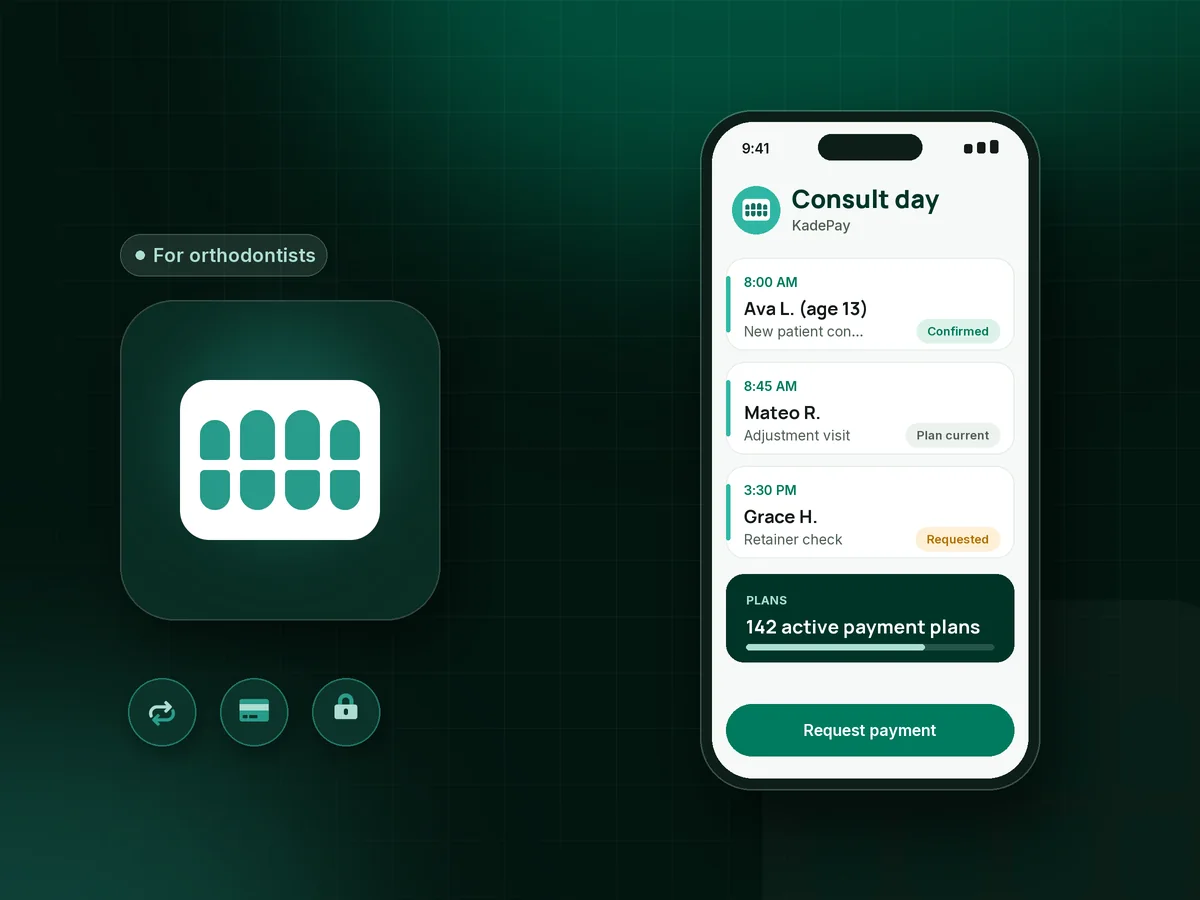
Illustration of orthodontic payment plans in KadePay with a consultation request, a down payment and monthly installments for braces

Sound familiar?

Treatment fees are big. The money talk should not be.

Orthodontic care is a long relationship built around one large price. These are the money moments treatment coordinators and practice owners raise most, from consult day to the last retainer, and how KadePay handles each one.

01

Families who love the plan but stall at the total

Mom is ready for braces, Dad wants to talk about $5,800 at home, and the start date slips a month while they decide.

With KadePay

Lay out a down payment and a set number of monthly installments you agree with the family, collected from the card or bank account they save. Affirm is another option for eligible families, subject to approval.

Payment plans
02

Monthly payments that depend on someone remembering

Coupon books and 'I will call it in' payments mean your financial coordinator spends the first week of every month on reminder calls.

With KadePay

Once the responsible party authorizes a saved card or bank account, each installment is collected on the agreed date and they are notified. Your coordinator follows up on the few that need attention instead of calling everyone.

Card on file
03

Financial agreements on paper in a drawer

The contract, the responsible party's signature and the payment terms live in a folder, and nobody can find it when a question comes up in month 14.

With KadePay

Send the orthodontic financial agreement as a form the parent completes and signs on their phone. It stays with the patient's profile next to every installment, so questions get answered quickly.

Forms and signatures
04

Consult no-shows on your busiest mornings

Free consults fill the calendar weeks out, and a chunk of the morning disappears when families forget or change their minds.

With KadePay

Families request a consultation time from your booking link and your team confirms it. Automatic appointment reminders go out before the visit, and new patient forms are finished before they arrive.

Appointment booking
05

Lost retainers and small charges nobody wants to chase

A teenager loses a retainer at camp, the replacement is $250, and the charge sits on the ledger until the next visit, if anyone remembers it.

With KadePay

Share a fixed-amount link for a lost retainer or a broken appliance fee. Parents pay from their phone, and the payment is recorded with the patient's history instead of a sticky note.

Payment links and QR codes

How it fits your week

From consultation to debond with KadePay

  1. Consultation requested

    A parent taps the link on your website and requests a new patient consult. Your coordinator confirms it, and new patient forms go out the same day.

  2. Treatment plan accepted

    After the exam, the family picks a payment option: paid in full, a down payment with monthly installments, or Affirm for eligible families. The financial agreement is signed on a phone.

  3. Down payment collected

    Charge the down payment on the spot with Tap to Pay on a compatible phone or a card reader, or send it as a bill to the parent who handles the finances.

  4. Monthly installments run

    Each installment comes from the saved card or bank account the responsible party authorized. Your team sees paid and upcoming installments without opening a spreadsheet.

  5. Retention and beyond

    Retainer checks come in as booking requests with reminders, and replacement fees go out as payment links. Private notes keep billing contacts and best call times handy.

Every way your patients pay

  • Visa
  • Mastercard
  • American Express
  • Discover
  • Apple Pay
  • Google Pay
  • Tap to Pay
  • ACH bank transfer
  • Affirm, where eligible
  • Venmo
  • Zelle
  • QR codes
  • Text and email links

Availability depends on your account setup and eligibility. You confirm Venmo and Zelle payments after checking they arrived.

KadePay for orthodontists

Orthodontic payment plans that keep treatment and cash flow on track

Most families do not pay for braces in one go. A braces payment plan with a clear orthodontic down payment and a fixed monthly amount turns a $5,800 decision into something a household budget can absorb. The same structure works for a clear aligner payment plan, often with a shorter term and a smaller total.

The hard part has always been collection. When monthly orthodontic payments depend on families mailing checks or calling in a card, your financial coordinator turns into a collections desk. Software for this job should collect each installment from a method the family authorized, notify them, and show your team which plans are current and which need a call.

Ortho financing through a third party is another path. KadePay offers Affirm for eligible families, subject to approval, alongside in-house installment plans, so a family can compare and pick what fits their budget.

KadePay also handles the rest of the front desk money: orthodontic consultation booking requests your team confirms, a signed orthodontic financial agreement for every case, retainer replacement links and payment by card, bank transfer, Apple Pay or Google Pay. Your practice management and imaging systems stay where they are.

CLEAR ANSWERS

Orthodontists: your questions, answered.

What is the best orthodontic payment software for a small practice?

Look for software that collects a down payment, runs a set number of installments from an authorized card or bank account, and keeps the signed agreement with the patient. KadePay does that, adds Affirm for eligible families, and handles consult booking requests and one-off charges in the same place.

How do orthodontic payment plans work in KadePay?

You agree the terms with the family, for example $800 down and 22 monthly installments of $227.27. The parent signs the financial agreement form and authorizes a saved card or bank account, and each installment is collected from it. They are notified of each charge and can revoke the authorization.

Can families use Affirm to pay for braces or aligners?

Yes, where the family is eligible and Affirm approves the purchase. The family chooses Affirm when paying and repays Affirm over time on Affirm's terms. Many practices offer it next to an in-house plan so each family can choose the option that suits them.

Does KadePay replace my ortho practice software or handle dental insurance?

No. KadePay handles payments, booking requests, forms, packages and business notes, not clinical or treatment records, imaging or dental insurance claims. Keep charting and insurance in your practice management system and use KadePay to collect what families owe you directly.

How do I charge a family for a lost retainer?

Create a fixed-amount payment link for the replacement, for example $250, and text it to the parent. They pay with a card, a phone wallet or bank transfer, and the payment is recorded on their profile. Reuse the same link the next time a retainer goes missing.

How much does KadePay cost for an orthodontic office?

Pay-As-You-Go costs $0 per month for an office that wants to try it; payment and usage fees apply. Team is $10 per month and Pro is $35 per month for staff permissions and recurring billing. The KadePay pricing page has the full comparison.

YOUR WORK COMES FIRST

Make room for more patients.

Get started for free