Skip to content
KadePayGet started

KADEPAY FOR PRESSURE WASHING & SOFT WASHING

The pressure washing invoice app that gets you paid at the curb.

The driveway is two shades lighter and the homeowner is at work. With KadePay you text a bill with the before-and-after photos attached, take a card with Tap to Pay when someone is home, and collect deposits before you load the trailer for a big job.

Pay-As-You-Go starts at $0 per month. Usage and payment fees apply.

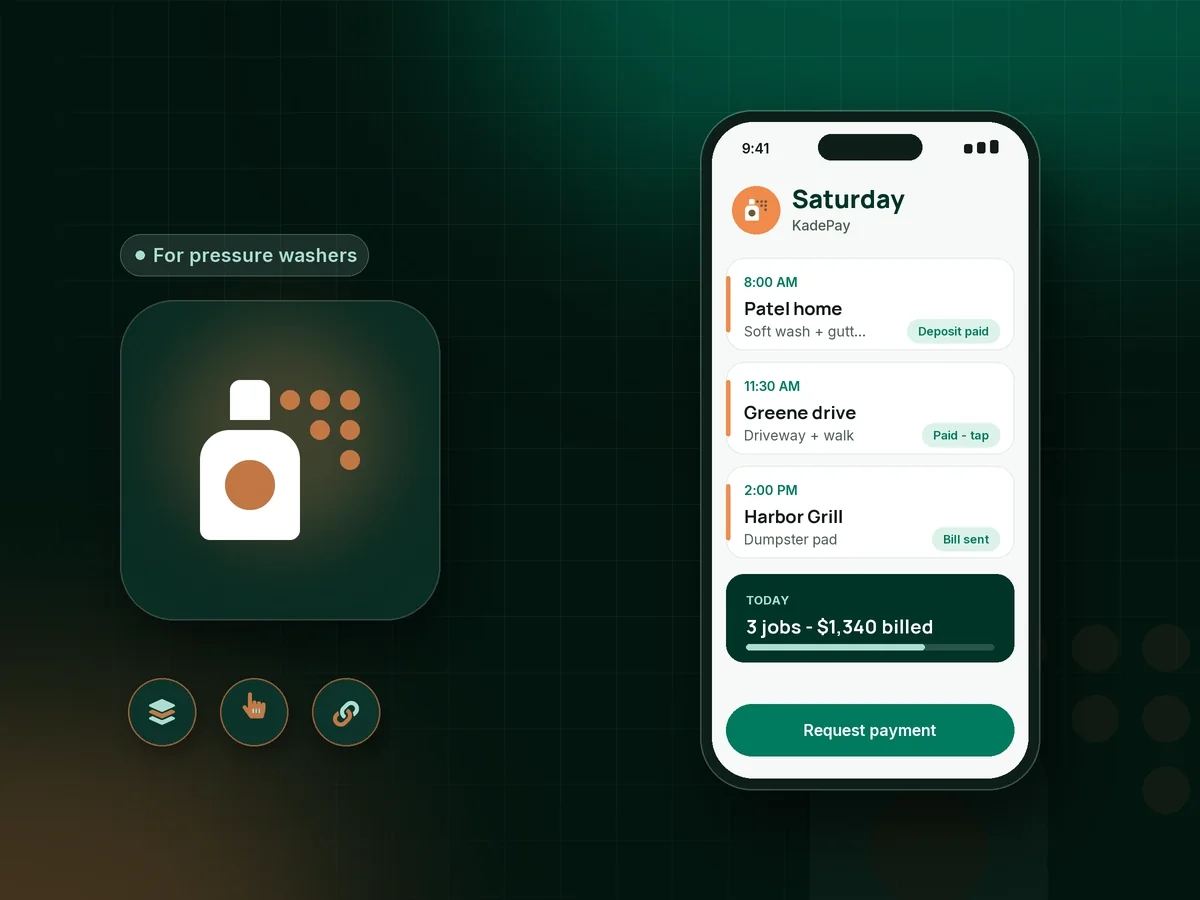
Illustration of a pressure washing invoice app with a washer's Saturday jobs, a house wash bill with photos and a paid driveway clean

Sound familiar?

The concrete is clean. Your money should be too.

Pressure washing jobs are quick, visual and often done while nobody is home. That makes getting paid, proving the result and protecting yourself from blame for old damage the hard part of the day.

01

Finishing the job while the homeowner is at work

You wrap up a $585 house wash at noon, nobody is home, and you leave with a promise that they will pay when they see it.

With KadePay

Text a bill with before-and-after photos attached the minute you finish. The homeowner sees the result and pays from the link by card, bank transfer, Apple Pay or Google Pay.

Payment links and QR codes
02

Big soft wash jobs booked with nothing down

You block a full Saturday for a roof and siding soft wash, buy the surfactant and chemicals, and the customer cancels on Friday night.

With KadePay

Send a fixed-amount deposit link when you confirm the date. The deposit covers your chemicals and your day, and you bill the balance when the job is done.

Payment links and QR codes
03

Getting blamed for damage that was already there

After the wash, the customer points at oxidation, etched concrete or loose trim and asks why you did that.

With KadePay

Have the customer sign a pressure washing waiver that lists existing damage and what washing can and cannot remove. Add your own before photos to their Gallery folder.

Forms and signatures
04

Card fees eating into small jobs

On a $150 sidewalk job, paying card fees out of your own pocket every time adds up fast across a season.

With KadePay

Where it is permitted, pass eligible credit-card fees to customers who choose to pay by card. Bank transfer, Venmo and Zelle stay available for customers who prefer them.

Ways to get paid
05

Commercial accounts that pay a month late

The restaurant wants its dumpster pad and drive-thru washed every month, and the owner pays whenever the manager remembers to hand over the invoice.

With KadePay

Ask the business to authorize a card or bank account for current and future bills, then charge each wash after it is done and send the receipt with photos.

Card on file

How it fits your week

How a wash day runs with KadePay

  1. The lead requests a date

    A homeowner taps the link on your yard sign or social page and requests a time for a house wash. You size up the house on a quick call and confirm the time.

  2. Deposit and waiver before you load up

    For larger jobs, they pay a fixed deposit and sign your waiver on their phone, noting existing stains, oxidation or loose boards.

  3. Photos on the profile

    Snap before photos into the customer's Gallery folder, along with notes about the spigot, the gate and the dog who hates hoses.

  4. Paid at the curb or by text

    Take the card with Tap to Pay on a compatible phone if someone is home, or text a bill with after photos when they are not.

  5. Repeat washes stay easy

    Commercial customers keep an authorized card on file for each wash, and residential customers can request next spring's wash from the same link.

Every way your customers pay

  • Visa
  • Mastercard
  • American Express
  • Discover
  • Apple Pay
  • Google Pay
  • Tap to Pay
  • ACH bank transfer
  • Affirm, where eligible
  • Venmo
  • Zelle
  • QR codes
  • Text and email links

Availability depends on your account setup and eligibility. You confirm Venmo and Zelle payments after checking they arrived.

KadePay for pressure washers

What the best app for pressure washing business owners should do

Most pressure washing business software is a full field service suite with quoting, crew boards and marketing. A lot of washers only need the part that turns a clean driveway into money in the bank. A pressure washing invoice app that carries photos, deposits and on-site payment covers most of a solo washer's week.

A house washing invoice with photos attached is hard to argue with. The customer sees the green streaks gone from the north wall next to the amount due, and paying takes a tap. You can also accept credit cards for pressure washing at the curb with Tap to Pay on a compatible phone.

Soft washing payments tend to be larger and riskier, because you buy chemicals and give up a full day. A power washing deposit taken with a fixed-amount link protects that day, and a signed pressure washing waiver protects you from blame for oxidation or etched concrete that was there before you arrived.

Commercial pressure washing billing is a different rhythm: monthly dumpster pads, drive-thrus and storefront sidewalks. Ask those customers to authorize a method for future bills, then charge each wash and send the receipt with photos instead of waiting on a check.

CLEAR ANSWERS

Pressure washing: your questions, answered.

What is the best pressure washing invoice app for a solo operator?

Look for photos on the bill, on-site card payments and deposits. KadePay lets you text a bill with before-and-after photos, take cards with Tap to Pay on a compatible phone, collect deposits by link, and record Venmo or Zelle payments at no KadePay fee.

Should I take a deposit for pressure washing jobs?

Many washers take a deposit on large or first-time jobs such as roof soft washes and full exteriors. Send a fixed-amount link when you confirm the date, then bill the balance with photos when the job is finished.

How do I get paid when the customer is not home?

Text or email a bill with your after photos attached as soon as you finish. The customer can pay from the link by card, bank transfer or phone wallet. Repeat customers can authorize a card on file so you charge it after each wash.

Do I need a pressure washing waiver?

Many washers use one to note existing damage such as oxidation, loose trim or etched concrete before work starts. KadePay forms let customers sign your waiver on their phone, and the signed copy stays with their profile. Have your own attorney review the wording.

Can I pass card fees on to pressure washing customers?

Where permitted, KadePay lets you pass eligible credit-card fees to customers who pay by card. Debit cards are not surcharged. Customers can also pay by bank transfer, or send Venmo or Zelle that you record.

How much does KadePay cost for a pressure washing business?

With one trailer and no staff, Pay-As-You-Go starts at $0 per month; payment and usage fees apply. Team at $10 per month and Pro at $35 per month add team members and recurring billing. Check the KadePay pricing page for current details.

YOUR WORK COMES FIRST

Make room for more customers.

Get started for free