Skip to content
KadePayGet started

KADEPAY FOR PAINTING CONTRACTORS

A painting invoice app that gets the final paid at the walkthrough.

Prep, prime, two coats and a punch list, then the long wait for the last check. KadePay helps painters collect a deposit before buying paint, send progress bills with photos of cut lines and trim, get color choices signed, and close out at the walkthrough with Tap to Pay on a compatible phone.

Pay-As-You-Go starts at $0 per month. Usage and payment fees apply.

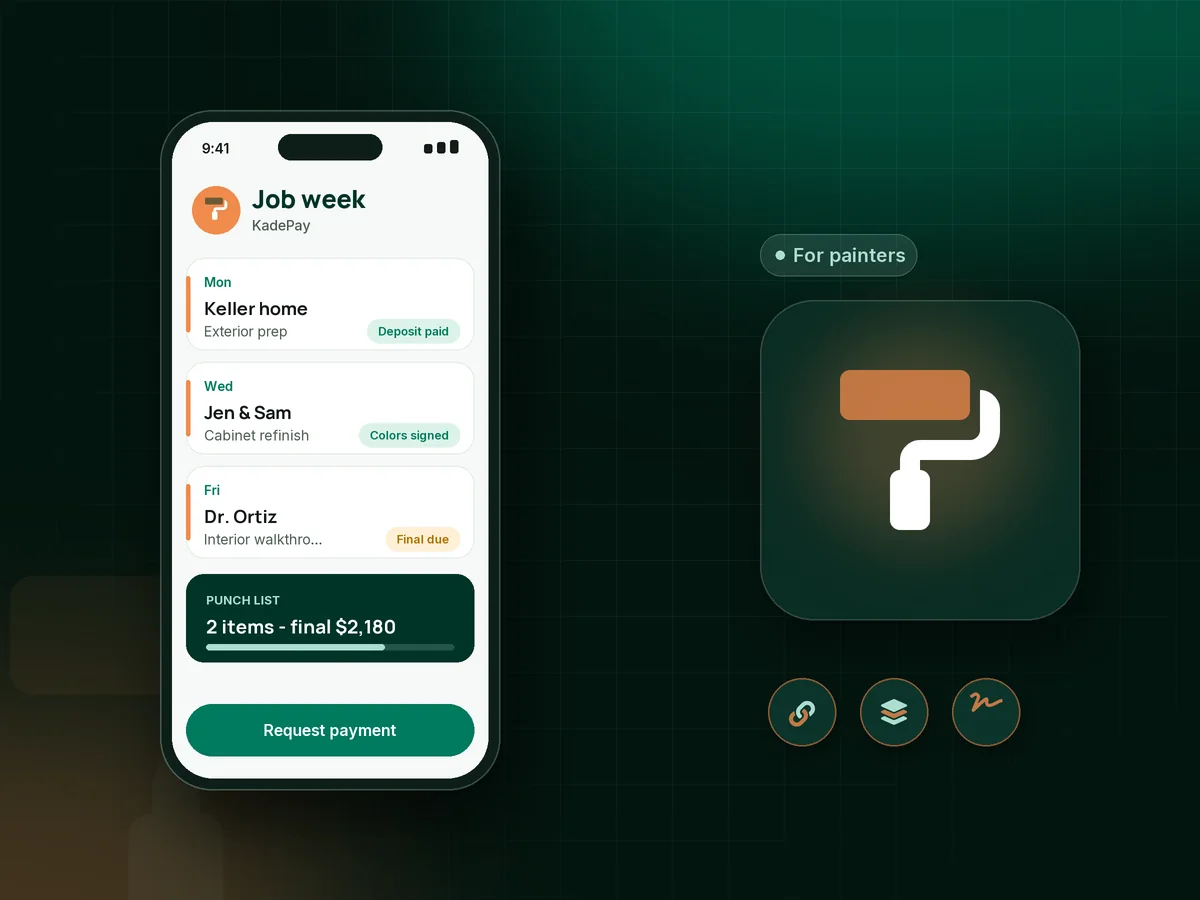
Illustration of a painter's week in the KadePay painting invoice app with an exterior deposit, a signed color approval and a paid cabinet job

Sound familiar?

The paint is dry. The final payment is not in.

Painting jobs run on deposits, progress payments and a final that depends on a walkthrough. These are the moments where painting contractors lose money or time, and how KadePay keeps each one moving.

01

Buying $1,100 of paint and primer before the customer commits

You load up at the paint store Monday, the homeowner postpones on Tuesday, and the tinted gallons cannot go back on the shelf.

With KadePay

Collect a painting deposit with a fixed-amount link when the job is approved. Buy and tint the paint after it shows paid, and take the deposit off the final bill.

Payment links and QR codes
02

Final payments held back over one touch-up

The house looks great, but a scuff on the hallway trim becomes the reason the last third of the price waits another two weeks.

With KadePay

Agree a painting contractor payment schedule up front: deposit, mid-job and final, each its own bill. A smaller final means one touch-up never holds the whole job hostage.

Ways to get paid
03

Color changes after the first coat is on

The customer approved a light greige by text, saw it on the wall in afternoon light, and now wants a repaint at your cost.

With KadePay

Send a color approval form that lists each room's color and sheen. The customer signs it on their phone, and any change after that is billed as its own agreed amount.

Forms and signatures
04

Scope arguments about what was included

Did the price include the closet interiors, the garage door and the ceilings, or just the walls? Nobody remembers by the walkthrough.

With KadePay

Attach your written estimate PDF and photos of each room to the bill, and keep the room-by-room photos in a shared Gallery folder so both sides see the same scope.

Customer profiles and notes
05

Cabinet and exterior jobs too big for one payment

A $7,500 exterior or a $4,800 cabinet refinish is a stretch for many homeowners, even when they really want the work done this year.

With KadePay

Offer agreed installments with a payment plan from a saved method, or let the customer apply for Affirm at checkout where eligible. Use ACH bank transfer for large balances.

Payment plans

How it fits your week

How a paint job gets paid with KadePay

  1. Walk the job

    The homeowner requests a walkthrough time from your booking link. You confirm, look at the rooms, and save notes about furniture, pets and parking.

  2. Approve, sign and deposit

    Attach the estimate PDF to a deposit bill and send the room-by-room color sign-off. Paint gets ordered once the deposit is paid.

  3. Progress bills with photos

    On larger jobs, send a mid-job bill when the walls or the first side of the house are done, with photos attached and reminders on.

  4. Walkthrough and final

    Walk the punch list with the homeowner, then collect the final with Tap to Pay on a compatible phone or text the bill before you load the ladders.

  5. Touch-ups and repeat work

    Keep color codes and sheen in the customer's notes, so the touch-up quart or the next room matches without guessing.

Every way your customers pay

  • Visa
  • Mastercard
  • American Express
  • Discover
  • Apple Pay
  • Google Pay
  • Tap to Pay
  • ACH bank transfer
  • Affirm, where eligible
  • Venmo
  • Zelle
  • QR codes
  • Text and email links

Availability depends on your account setup and eligibility. You confirm Venmo and Zelle payments after checking they arrived.

KadePay for painters

Best app for painting contractors: what a painting invoice app should cover

Painting is a cash-up-front trade. Paint, caulk, tape and rentals are bought before the first wall is touched, and a crew is paid every week while the job runs. A painting invoice app has to collect the deposit early, bill progress on bigger jobs and make the final easy to pay on the day of the walkthrough.

A house painting invoice reads better with proof. Attach photos of the scraped and primed siding or the finished kitchen cabinets, and keep the signed color approval form on the customer's profile, so the homeowner sees exactly what the bill covers. A cabinet painting deposit protects the days you spend spraying doors in the shop.

Exterior painting balances are often the largest a homeowner pays all year. ACH bank transfer keeps the cost down for both sides, and if you accept credit cards for painting balances, you can pass eligible card fees to the customer where permitted. Agreed installments or Affirm, where eligible, help with the bigger projects.

KadePay does not measure walls or price jobs for you. It keeps the deposit, progress and final bills, signed forms and job photos on one customer record, and gives your bookkeeper a transaction download.

CLEAR ANSWERS

Painting contractors: your questions, answered.

What is the best painting invoice app for a small painting company?

Look for deposits, progress bills and easy payment at the walkthrough. KadePay handles all three, plus signed color approvals, photo attachments on bills, ACH bank transfer for large balances and Tap to Pay on a compatible phone.

How much deposit should a painter take before starting?

Painters commonly ask for enough to cover paint and supplies, but deposit rules differ by state, so check yours. Send the deposit as a fixed-amount link when the job is approved and buy materials after it shows paid.

How do I set up a painting contractor payment schedule?

Split the job into a deposit, a mid-job payment and a final, and write the stages into the agreement the customer signs. In KadePay each stage is its own bill with photos attached, sent by text or email with reminders.

Can a customer sign off on paint colors before we start?

Yes. Build a color approval form listing each room, color and sheen. The customer signs it on their own phone after signing in, and the response stays on their profile if questions come up later.

Do I need a card reader to get paid at the final walkthrough?

Not with a compatible phone. Tap to Pay in the KadePay app accepts contactless cards and wallets once payment setup is complete. Customers can also pay a texted bill or scan your printed QR from their own phone.

What does KadePay cost for painting contractors?

Painting crews can start on Pay-As-You-Go at $0 per month; payment and usage fees apply. Team at $10 per month lets crew leads log in with their own permissions, and Pro is $35 per month. The pricing page lists each plan's features.

YOUR WORK COMES FIRST

Make room for more customers.

Get started for free