Skip to content
KadePayGet started

KADEPAY FOR SNOW REMOVAL & PLOWING

The snow removal billing app that keeps up with every storm.

You plowed forty driveways between 2 AM and sunrise, and nobody wants to think about invoices in a snowstorm. KadePay splits seasonal contracts into installments, charges per-push customers to the card they authorized and sends each bill with a photo of the cleared lot.

Pay-As-You-Go starts at $0 per month. Usage and payment fees apply.

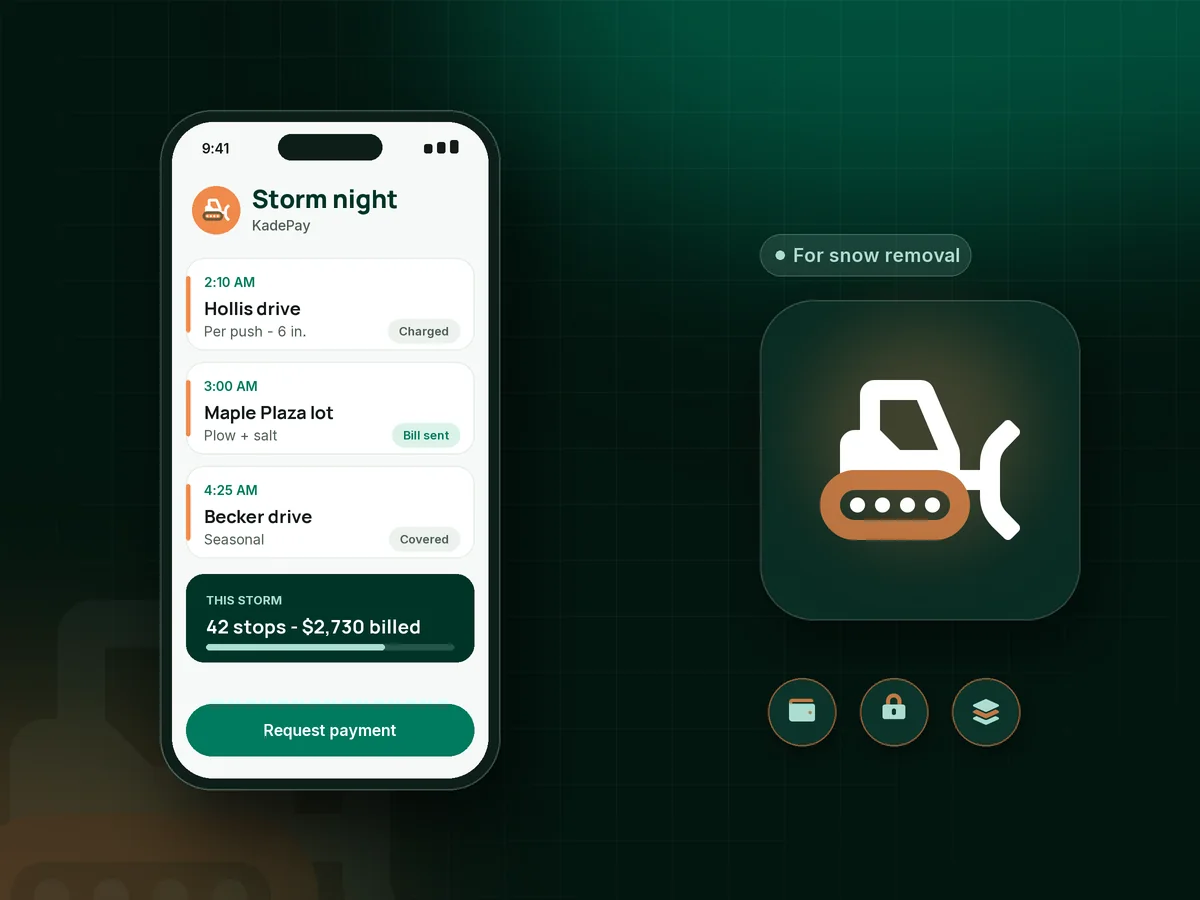
Illustration of a snow removal billing app with a plow operator's storm night, seasonal installments and a per-push bill with a photo

Sound familiar?

You plowed all night. Billing should not take all day.

Snow work comes all at once, at the worst hours, and the billing piles up faster than the snow. These are the money problems plow operators deal with each winter, and how KadePay helps.

01

Seasonal customers who pay half and stop

The seasonal driveway contract is $750, the first check came in November, and by February the customer stops answering.

With KadePay

Split the seasonal snow removal contract into a payment plan with a set number of installments, collected from an eligible saved method the customer authorized when they signed.

Payment plans
02

Forty per-push bills after every storm

One storm means forty driveways and six lots, and writing each bill by hand eats the day you should be sleeping.

With KadePay

Have per-push customers authorize a card on file. After each storm you charge the agreed amount, and they get a receipt without you writing forty separate bills.

Card on file
03

Customers who say you never came

The lot was clear at 5 AM, but by noon the store manager says nobody plowed and the bill is wrong.

With KadePay

Attach a photo of the cleared driveway or lot to the bill, so the customer sees the result next to the charge for that storm.

Payment links and QR codes
04

Fall sign-ups with nothing paid up front

You commit your truck to a list of driveways in October, and half of them disappear the first time a cheaper neighbor offers to plow.

With KadePay

Share a fixed-amount link for a pre-season deposit when you confirm a customer for the winter, and bill the rest as installments or per push.

Payment links and QR codes
05

Arguments about trigger depth and salt

The customer thought two inches meant you would come, your contract says three, and salting was never discussed.

With KadePay

Put trigger depth, salting and de-icing charges, and damage terms in a snow removal agreement the customer signs on their phone before the first flake.

Forms and signatures

How it fits your week

How a winter runs with KadePay

  1. Sign-ups before the season

    A Flex Link on your yard signs leads customers to your sign-up form and pre-season deposit link. You accept the driveways you can cover with your truck.

  2. Agreement and card in October

    The customer signs your agreement with trigger depth and salt terms, authorizes a card or bank account and pays a pre-season deposit.

  3. Notes for dark mornings

    Private notes on each profile cover where to pile snow, the buried curb, the car that is always in the driveway and the hydrant to keep clear.

  4. Billing after the storm

    Charge per-push customers the agreed amount with a photo attached, while seasonal customers keep paying their installments on schedule.

  5. Spring wrap-up

    Download every payment for your bookkeeper, and invite this winter's customers to sign up early for next season.

Every way your customers pay

  • Visa
  • Mastercard
  • American Express
  • Discover
  • Apple Pay
  • Google Pay
  • Tap to Pay
  • ACH bank transfer
  • Affirm, where eligible
  • Venmo
  • Zelle
  • QR codes
  • Text and email links

Availability depends on your account setup and eligibility. You confirm Venmo and Zelle payments after checking they arrived.

KadePay for snow removal

Choosing a snow removal billing app for seasonal and per-push work

Most snow removal software is built around big commercial operations with fleets and salt yards. A plow operator with one or two trucks needs something lighter: signed agreements, cards on file and billing that works from a phone in the cab, usually at 4 AM between one driveway and the next.

Seasonal and per push billing need different tools. A seasonal snow removal contract fits a snow plow payment plan with equal installments over the winter. Per-push customers fit a card on file you charge after each storm, so a snow plowing invoice goes out in seconds instead of piling up until March.

A clear snow removal agreement prevents most disputes. Spell out trigger depth, how salting and de-icing charges work, what happens to lawns and mailboxes, and when payment is due. Collect the signature on the customer's phone before the season starts, alongside the card authorization.

Driveway plowing payments are small and frequent, while commercial snow plowing billing is larger and slower. On Team and Pro plans you can bill commercial lots a fixed monthly amount, and photos on each bill show the work when an account questions a visit. Both kinds of customers end up in one payment history.

CLEAR ANSWERS

Snow removal & plowing: your questions, answered.

What is the best snow removal billing app for a one-truck operator?

Look for card on file for per-push customers, installment plans for seasonal contracts, signed agreements and photo bills. KadePay covers those from your phone, and it records Venmo or Zelle payments with no KadePay fee.

How do I bill per push without writing every invoice by hand?

Ask per-push customers to authorize a card or bank account when they sign up. After each storm, charge the agreed amount and attach a photo if you like. Each customer gets a receipt for that push.

Can customers pay a seasonal contract in installments?

Yes. Set up a payment plan with the number of installments you agree on, collected from an eligible saved method. Many operators start in November and finish by early spring.

What should a snow removal agreement include?

Most include the trigger depth, whether salting and de-icing are extra, how damage to lawns or mailboxes is handled, the payment schedule and the cancellation terms. Customers sign your KadePay form on their phone before the season.

How do I prove I plowed when a customer disputes it?

Take a photo of the cleared driveway or lot and attach it to that storm's bill. The customer sees the photo with the charge, and the record stays in their history.

How much does KadePay cost for a snow removal business?

In your first winter, Pay-As-You-Go starts at $0 per month; payment and usage fees apply. Monthly billing for commercial lots and team members come with Team at $10 per month or Pro at $35 per month. See the KadePay pricing page.

YOUR WORK COMES FIRST

Make room for more customers.

Get started for free