Skip to content
KadePayGet started

KADEPAY FOR AFTER-SCHOOL PROGRAMS

After school program billing that keeps up from 3 PM to 6 PM.

The bell rings, the bus drops off, and by 3:15 you have thirty kids, two robotics teams and a parent asking about Friday's field trip. KadePay handles after school tuition, drop-in days, trip fees and signed permission slips, so the office work fits around homework help.

Pay-As-You-Go starts at $0 per month. Usage and payment fees apply.

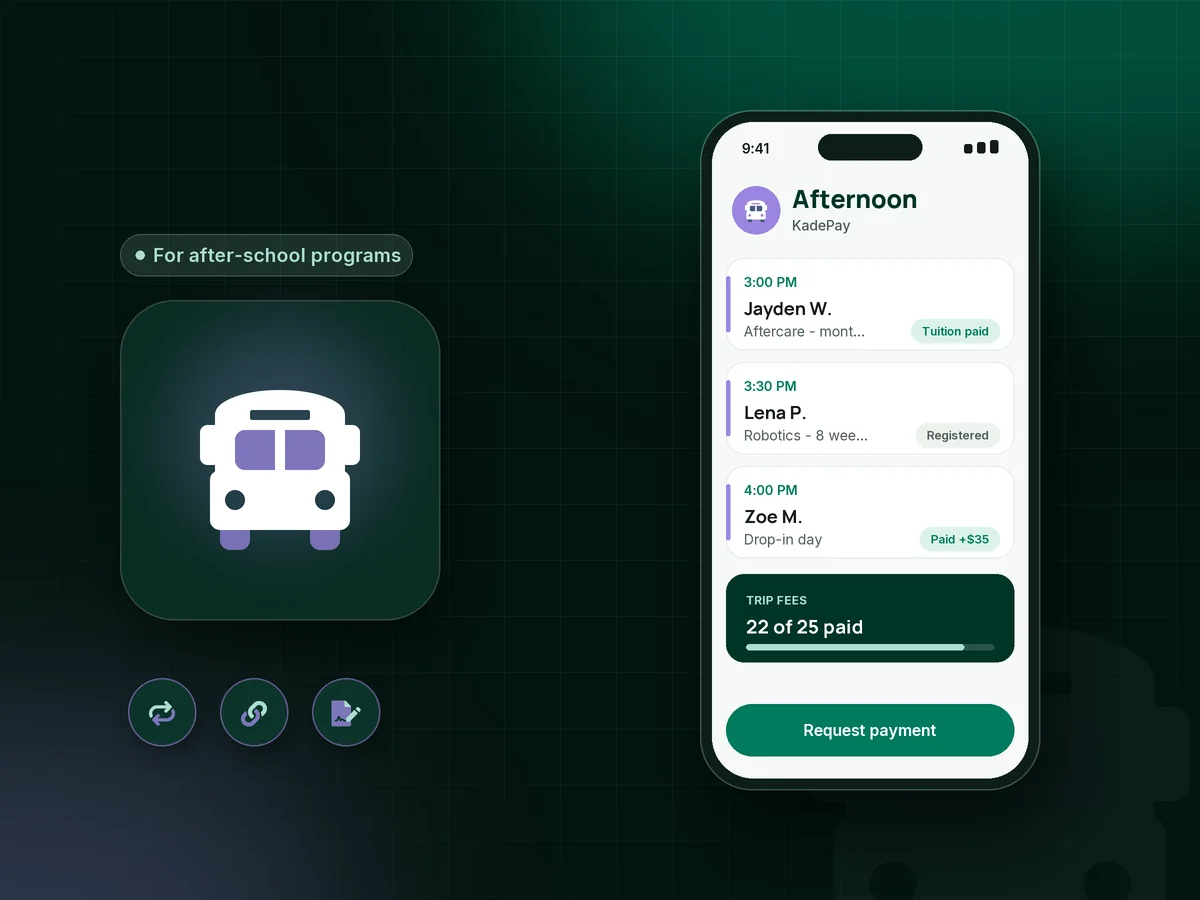
Illustration of after school program billing in KadePay with monthly tuition, a drop-in day payment and signed field trip permission slips

Sound familiar?

Afternoons are busy enough without billing math.

After-school directors run homework help, snack, enrichment and pickup inside a three-hour window. These are the money and paperwork moments directors mention most often, and how KadePay takes care of them.

01

Monthly tuition plus drop-in days

Most kids come five days, some come two, and a few parents text at noon asking whether their child can stay this afternoon.

With KadePay

Bill regular families with recurring after school tuition on Team or Pro, and keep a fixed-amount link for drop-in aftercare that a parent can pay the moment they ask.

Recurring billing
02

Field trip fees and permission slips in two piles

The bus deposit is due Monday, and you still have six unsigned slips and four unpaid $18 trip fees in a folder by the door.

With KadePay

Send a permission slip form that parents sign on their phone, then a fixed-amount link for the trip with the child's name as a question. Both answers sit with the family.

Forms and signatures
03

Families with two or three kids enrolled

Siblings in different grades take different clubs, and the parent wants one number for the month, not three separate requests.

With KadePay

Sibling billing stays simple: both children live under one parent profile, and you send that parent one monthly bill with the family total you agreed.

Customer profiles and notes
04

Pickups after closing time

The program ends at 6:00, a staff member stays until 6:25, and the late charge printed in your handbook rarely gets collected.

With KadePay

Put the late pickup charge in the handbook parents sign and ask for a card authorization at registration. Then you can charge the fee your signed policy describes without a hallway conversation.

Card on file
05

Enrichment sessions that start and stop

Chess runs eight weeks, coding runs ten, and art starts in January, so every term means a new round of sign-ups and payments.

With KadePay

Pair one enrichment class registration form with a payment link per session. Parents register and pay from the same message, and Kady can draft next term's links for you to review and save.

Kady, the AI assistant

How it fits your week

How a term runs with KadePay

  1. Registration opens

    Share one Flex Link on your flyer, school newsletter or website. Parents reach your registration form, enrichment sessions and payment links from the same place.

  2. Forms signed before the first day

    Parents complete pickup authorizations, emergency contacts, allergy notes and the handbook acknowledgment on their phone, and can authorize a saved card for tuition.

  3. Tuition and sessions billed

    Monthly tuition goes out as recurring bills on Team or Pro, and enrichment sessions are paid from their own links, with reminders for anyone who forgets.

  4. Extras during the term

    Field trips, drop-in days, early-release days and late pickups each get a bill or a link, so nothing depends on a sticky note at the front desk.

  5. Staff see what they need

    On Team or Pro, site leads get their own logins with permissions you choose, and private notes on each family show who is allowed to pick up.

Every way your parents pay

  • Visa
  • Mastercard
  • American Express
  • Discover
  • Apple Pay
  • Google Pay
  • Tap to Pay
  • ACH bank transfer
  • Affirm, where eligible
  • Venmo
  • Zelle
  • QR codes
  • Text and email links

Availability depends on your account setup and eligibility. You confirm Venmo and Zelle payments after checking they arrived.

KadePay for after-school programs

After school program billing and the best app for after school programs

After school program software often bundles attendance boards, check-in tablets and bus rosters. If you already have a way to run the afternoon and the hard part is getting paid, focus on billing: monthly tuition, drop-in days, field trip fees and late charges that reach parents and come back paid.

Trip payments and permission belong together. Send the signed form and the payment link in the same message, ask for the child's name on both, and you can see at a glance who is cleared for the bus on Friday morning.

Families with several children are where spreadsheets usually break. Keep each family under one parent profile, agree the family rate up front, and send one bill per month. Parents can pay by card, Apple Pay, Google Pay, bank transfer or a Venmo or Zelle payment you record.

KadePay does not take attendance or limit how many kids register for a session. Keep your roster wherever you run the afternoon today, and use KadePay for the money, the forms and the family records. If you partner with a school, one printed QR on the front-office flyer is often all parents need to find you, register and pay for the first month.

CLEAR ANSWERS

After-school & enrichment programs: your questions, answered.

What is the best after school program billing app for a small program?

Look for tuition bills with reminders, simple links for drop-in days and trips, and signed forms. KadePay handles each of those from one app, works for a single site or several staff, and keeps every family's payments and paperwork together.

How do I collect field trip fees and permission slips online?

Send a permission form with the trip details for parents to sign on their phone, and a fixed-amount trip link that asks for the child's name. Both answers stay with the family, and the trip payments show up in your transactions as they arrive.

Can parents pay for a single drop-in day?

Yes. Create a fixed-amount drop-in link, for example $35 for 3:00 to 6:00 PM, with a question for the child's name. Parents pay from their phone when they ask for the extra day, and you see the payment before pickup.

Does KadePay take attendance or manage enrollment limits?

No. KadePay does not take attendance, run check-in tablets or stop registration at a set number. It handles tuition, links, signed forms and payments, so keep your daily roster in the system or sheet you use now.

Can I charge parents for late pickup?

Yes, when your handbook spells it out. Have parents sign the handbook at registration and authorize a saved card. If pickup runs past closing, charge the amount your signed handbook policy describes, and the parent gets a receipt for it.

How much does KadePay cost for an after school program?

Pay-As-You-Go begins at $0 per month, and payment and usage fees apply. Programs that bill monthly tuition and have staff usually need Team at $10 or Pro at $35 per month for recurring bills and team logins; the pricing page compares them.

YOUR WORK COMES FIRST

Make room for more parents.

Get started for free