Skip to content
KadePayGet started

KADEPAY FOR DAYCARES & HOME CHILDCARE

Daycare billing software for providers with their hands full.

Drop-off at 7, snack at 9, naps at 1, and tuition was due Monday. KadePay sends weekly or monthly tuition bills with reminders, keeps parent-signed enrollment forms on file and holds every family's payments in one record, so you are not chasing money at pickup.

Pay-As-You-Go starts at $0 per month. Usage and payment fees apply.

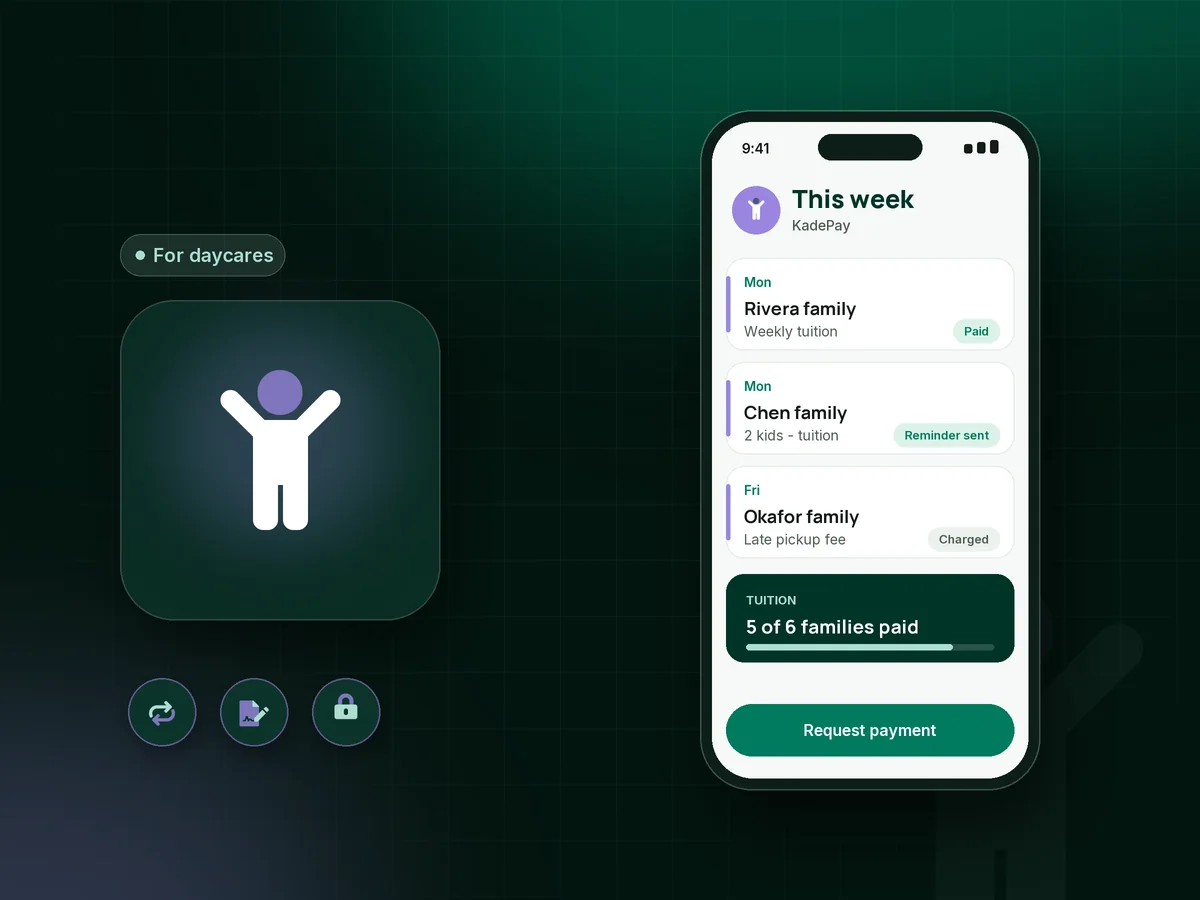
Illustration of daycare billing software in KadePay showing weekly tuition bills for three families, a signed enrollment form and a reminder

Sound familiar?

You run a daycare, not a collections office.

Home providers and small centers care for children all day and do the books at night. These are the payment and paperwork moments providers raise most often, and how KadePay helps with each one.

01

Tuition due Monday, paid on Thursday

Most families mean well, but payday is Friday, the transfer gets forgotten, and you end up buying snack-time groceries before tuition arrives.

With KadePay

Send weekly tuition bills by text or email with reminders. Families who authorize a saved card can be charged on the due date, and you see who has paid before the week begins.

Ways to get paid
02

Late pickups that eat into your evening

Your day ends at 5:30, but one parent keeps arriving at 6:10, and asking for the fee in front of their child feels awful.

With KadePay

Spell out your late pickup fee in the policy parents sign at enrollment, together with a card authorization. When it happens, charge the fee your signed policy describes and the parent gets a receipt.

Card on file
03

Enrollment packets on paper

Emergency contacts, authorized pickup names, allergy notes and the handbook signature page live in a binder that grows thicker every year.

With KadePay

Send daycare enrollment forms that parents complete and sign on their phone before the first day. Answers stay with the family profile, ready when you need to check a pickup name.

Forms and signatures
04

Holding an opening without a commitment

A family wants the September opening, but without money down they may accept another offer after you have already turned someone away.

With KadePay

Send a fixed-amount link for your daycare registration fee. It records the payment and the child's start date question; you still confirm the opening yourself, since a payment link does not hold a place on its own.

Payment links and QR codes
05

Siblings, part-time days and vacation weeks

One family has a toddler five days and a preschooler three, another is away for two weeks, and every bill needs a little math.

With KadePay

Keep both children under one family profile with private notes on their schedules, and send the parent one bill for the week. Recurring bills on Team or Pro cover the families whose schedule never changes.

Customer profiles and notes

How it fits your week

How a childcare week runs with KadePay

  1. A family tours and enrolls

    After the tour, send the enrollment link. Parents complete contact, pickup and allergy details, sign your handbook and policies, and authorize a saved card if they choose.

  2. The registration fee comes in

    The family pays the registration fee from a link, and you confirm their start date on your own roster. Their bills and forms appear on your branded family page.

  3. Tuition goes out on schedule

    Weekly or monthly tuition bills reach each family by text or email, with reminders for anyone who has not paid by the due date.

  4. Extras when they happen

    A late pickup, a field trip or an extra holiday care day gets its own bill, or a charge to the authorized card under your signed policy.

  5. Records ready for your bookkeeper

    Download transactions whenever your bookkeeper asks, and families can look up their own bills and payments on the family page instead of texting you.

Every way your families pay

  • Visa
  • Mastercard
  • American Express
  • Discover
  • Apple Pay
  • Google Pay
  • Tap to Pay
  • ACH bank transfer
  • Affirm, where eligible
  • Venmo
  • Zelle
  • QR codes
  • Text and email links

Availability depends on your account setup and eligibility. You confirm Venmo and Zelle payments after checking they arrived.

KadePay for daycares

Daycare billing software and the best app for home daycare

Home providers often collect daycare tuition the way they started: cash in an envelope, a check on the counter, or a payment app transfer with an emoji for a memo. It works until a payment goes missing. Daycare billing software gives each family a bill, a due date and a receipt, and gives you a record you can trust.

A written daycare late payment policy works best when it is short and signed. Say when tuition is due, how long the grace period is and what the late fee is. Pair it with daycare tuition reminders that go out before the due date and a card the parent authorized at enrollment.

A childcare payment app also has to fit the realities of the job: siblings on different schedules, part-time days, summer weeks away and a registration fee that marks a start date. KadePay keeps those on one family profile, and you decide what each bill says.

KadePay does not track attendance, ratios or subsidy paperwork. It handles tuition, fees, forms and payments, and it sits comfortably next to the licensing records and sign-in sheets you already keep for your state inspector.

CLEAR ANSWERS

Daycares & home childcare: your questions, answered.

What is the best daycare billing software for a home daycare?

A home provider needs bills that remind parents for you, a card parents can authorize once, and signed enrollment paperwork. KadePay does those from your phone as a home daycare app, keeps every family in one record, and lets parents pay by card, bank transfer or a recorded Venmo or Zelle.

How do I charge a late pickup fee?

Write the amount into the policy parents sign at enrollment, for example $1 per minute after closing, and ask for a card authorization at the same time. When a late pickup happens, charge the fee your signed policy describes. The parent receives a receipt.

Can parents set up autopay for daycare tuition?

On Team or Pro, you can set up recurring tuition bills, and parents can authorize a saved card to be charged for current and future bills. Parents get a notice for every charge and can revoke that authorization at any point.

Is KadePay a place to store children's health records?

No. Enrollment forms can collect emergency contacts, authorized pickup names and allergy notes with a parent signature, but KadePay is not a health record system and does not track attendance or ratios. Keep immunization and licensing records where your state requires them.

Can I give a sibling discount?

Yes. You set the amount on every bill, so a second child at a lower weekly rate is simply part of what the family owes that week. Both children sit under one family profile, and private notes keep each child's schedule straight.

What does KadePay cost for a home daycare provider?

Starting on Pay-As-You-Go costs $0 a month, and payment and usage fees apply. If you want recurring tuition bills or a login for an assistant, Team is $10 a month and Pro is $35. The pricing page explains each fee.

YOUR WORK COMES FIRST

Make room for more families.

Get started for free