Skip to content
KadePayGet started

KADEPAY FOR CARPENTERS & WOODWORKERS

A carpentry invoice app for trim, decks and custom shop work.

Some weeks it is crown molding and a staircase in a new build. Other weeks it is a walnut dining table that took a month in the shop. KadePay helps carpenters take a deposit before the lumber order, bill in stages with photos, keep drawings with each client, and get paid on site from a compatible phone.

Pay-As-You-Go starts at $0 per month. Usage and payment fees apply.

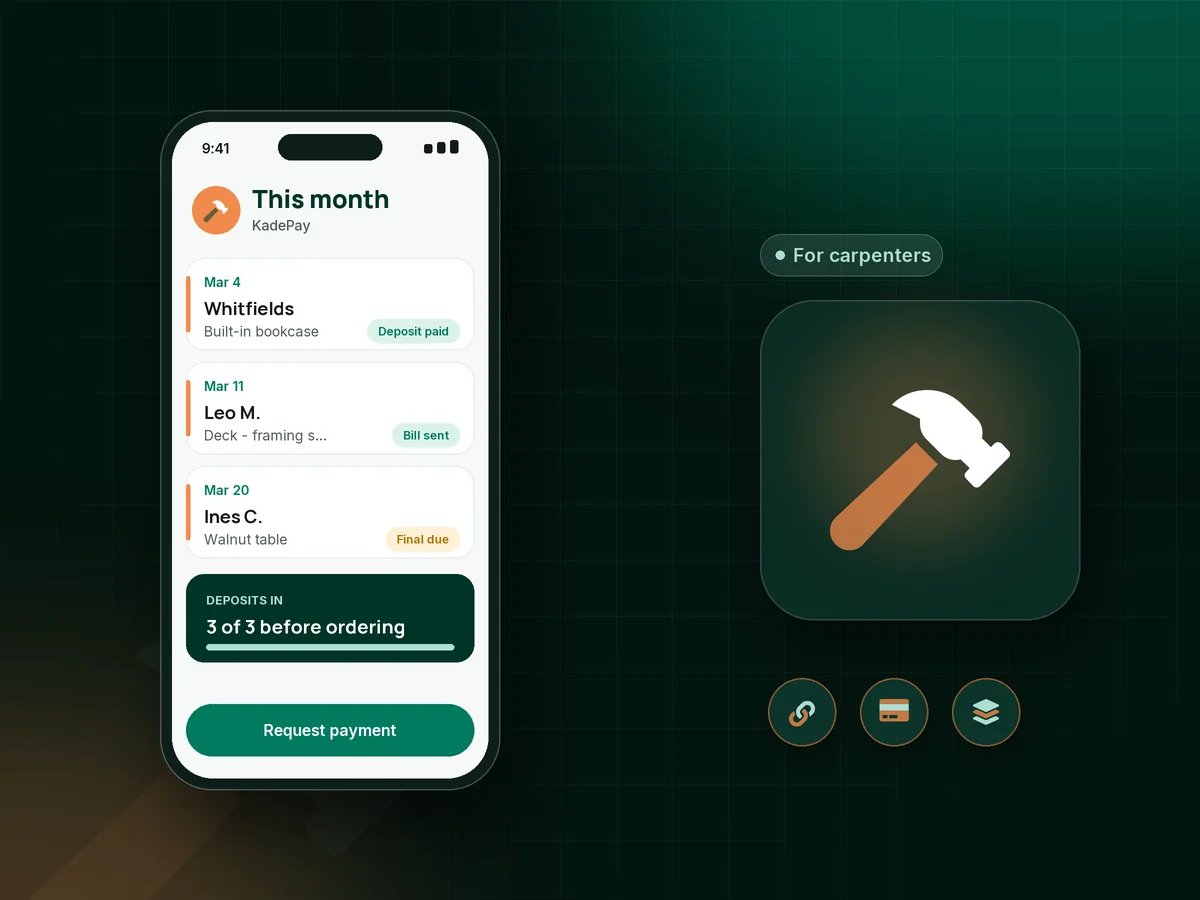
Illustration of a carpenter's month in the KadePay carpentry invoice app with a custom table deposit, a deck build stage and a trim bill

Sound familiar?

Lumber costs up front. Payment shouldn't come last.

Carpentry and woodworking tie up material and shop hours long before a piece is delivered or a deck is finished. These are the payment problems carpenters talk about most, and the KadePay tools that fix them.

01

Buying walnut slabs and hardware for a commission that falls through

Hardwood for one dining table can run $900, and if the client changes their mind, you own a very nice pile of lumber.

With KadePay

Take a custom furniture deposit with a fixed-amount link before the lumber order. Plenty of woodworkers ask for half up front and the balance at delivery, each as its own payment.

Payment links and QR codes
02

Deck builds where the last payment slides after the final board

Framing passed inspection, the decking and rail are on, and the homeowner now wants to live with it a while before paying.

With KadePay

Set a deck builder payment schedule: deposit at signing, a bill after framing and a final at completion. Each goes out with photos attached and reminders on.

Ways to get paid
03

Drawings and measurements spread across texts and scraps

The client sent three inspiration photos, you sketched the bookcase on a scrap of plywood, and the final dimensions live in a text thread.

With KadePay

Share a Gallery folder with the client for inspiration photos, drawings and finish samples. Set it to read/write so they can add pictures, and keep measurements in private notes.

Customer profiles and notes
04

Change requests after the cut list is done

Halfway through the mudroom bench, the client asks for drawers instead of cubbies, and the extra day never makes it onto the bill.

With KadePay

Have the client sign a short change form on their phone describing the new work and price, then send it as its own bill so the original job total stays clear.

Forms and signatures
05

Trim-out days paid weeks after the last nail

You finished casing and baseboard for a builder on Friday, and the finish carpentry invoice is still sitting in your notes app on Wednesday.

With KadePay

Create the bill on your phone before you pack the miter saw, attach photos of the finished trim, and send it by text. Tap to Pay on a compatible phone works when the homeowner is right there.

Tap to Pay and card readers

How it fits your week

From sketch to sign-off with KadePay

  1. Consult request

    A client requests a design visit from your booking link. You confirm it, and the appointment keeps the address of the house or tells them to meet you at the shop.

  2. Shared drawings

    Open a Gallery folder for the project, add your sketches and finish samples, and let the client add their own inspiration photos.

  3. Deposit before material

    Send a deposit bill with the agreed scope attached as a PDF. Order lumber, slabs or hardware once it shows paid.

  4. Stage bills as you build

    Bill after framing, after the boxes are installed, or when the piece leaves the shop, with photos so the client sees the progress.

  5. Delivery and final

    Collect the balance at delivery with Tap to Pay on a compatible phone, or record the Zelle payment the client sends from their bank app.

Every way your clients pay

  • Visa
  • Mastercard
  • American Express
  • Discover
  • Apple Pay
  • Google Pay
  • Tap to Pay
  • ACH bank transfer
  • Affirm, where eligible
  • Venmo
  • Zelle
  • QR codes
  • Text and email links

Availability depends on your account setup and eligibility. You confirm Venmo and Zelle payments after checking they arrived.

KadePay for carpenters

Best app for carpenters: a carpentry invoice app for staged, custom work

Carpentry work comes in two shapes. Site work like trim, stairs and built-ins is billed by the job or the day, often to a builder or homeowner who wants the bill before you leave. Shop work like tables, cabinets and mantels is a commission with a long lead time, where a deposit carries you through weeks of milling and finishing.

A carpentry invoice app should cover both. KadePay sends a finish carpentry invoice from your phone with photos attached, collects a custom woodworking deposit by link, and stages larger builds into separate bills. Every bill offers cards, Apple Pay, Google Pay and ACH bank transfer from the same link.

Built-ins and decks raise more questions than most jobs, so keep the paper trail together. Drawings and finish samples sit in a shared Gallery folder, change requests get a signed form, and private notes keep measurements and wood species with the client. For woodworking business payments at a craft fair or shop pickup, a printed QR lets buyers scan and pay the agreed amount.

KadePay will not build your cut list or price the job. It keeps deposits, stage payments and the final balance on one record, and the transaction download is ready when your bookkeeper asks.

CLEAR ANSWERS

Carpenters & woodworkers: your questions, answered.

What is the best carpentry invoice app for a small shop?

One that handles deposits, staged bills and payment at delivery. KadePay sends bills with photos by text or email, collects deposits by link, keeps drawings in shared Gallery folders and takes Tap to Pay on a compatible phone.

How much deposit should I take on custom furniture?

Many woodworkers ask for at least enough to cover materials before ordering, and some take half up front. Whatever you choose, put it in a signed agreement, send it as a fixed-amount link, and start milling once it shows paid.

How should a deck builder set up a payment schedule?

A common setup is a deposit at signing, a payment after framing or inspection and a final at completion. Write it into the agreement the homeowner signs, check your state's deposit rules, and send each stage as its own bill with photos attached.

Can clients share inspiration photos and drawings with me?

Yes. Create a Gallery folder on the client's profile and share it read/write so they can upload photos, or read-only for your drawings. Your private notes, like measurements and pricing thoughts, stay hidden from the client.

Can I bill a builder for trim work by text?

Yes. Create a bill for the trim-out, attach photos of the finished casing and baseboard, and text or email it to the builder. Turn on reminders, and they can pay by card or ACH bank transfer from the link.

How much does KadePay cost for carpenters and woodworkers?

A one-person shop can start on Pay-As-You-Go at $0 per month, with payment and usage fees on top. Team at $10 per month adds helpers with their own permissions, and Pro at $35 per month suits busier shops. Compare plans on the pricing page.

YOUR WORK COMES FIRST

Make room for more clients.

Get started for free