Skip to content
KadePayGet started

KADEPAY FOR FLOORING INSTALLERS

The flooring invoice app for installers who bill by the square foot.

Material has to be ordered and acclimated days before install, and the floor under the old carpet always has a surprise. KadePay helps flooring installers collect a material deposit, bill the extra work with photos, offer payment plans on whole-house jobs and get paid on the last day with Tap to Pay on a compatible phone.

Pay-As-You-Go starts at $0 per month. Usage and payment fees apply.

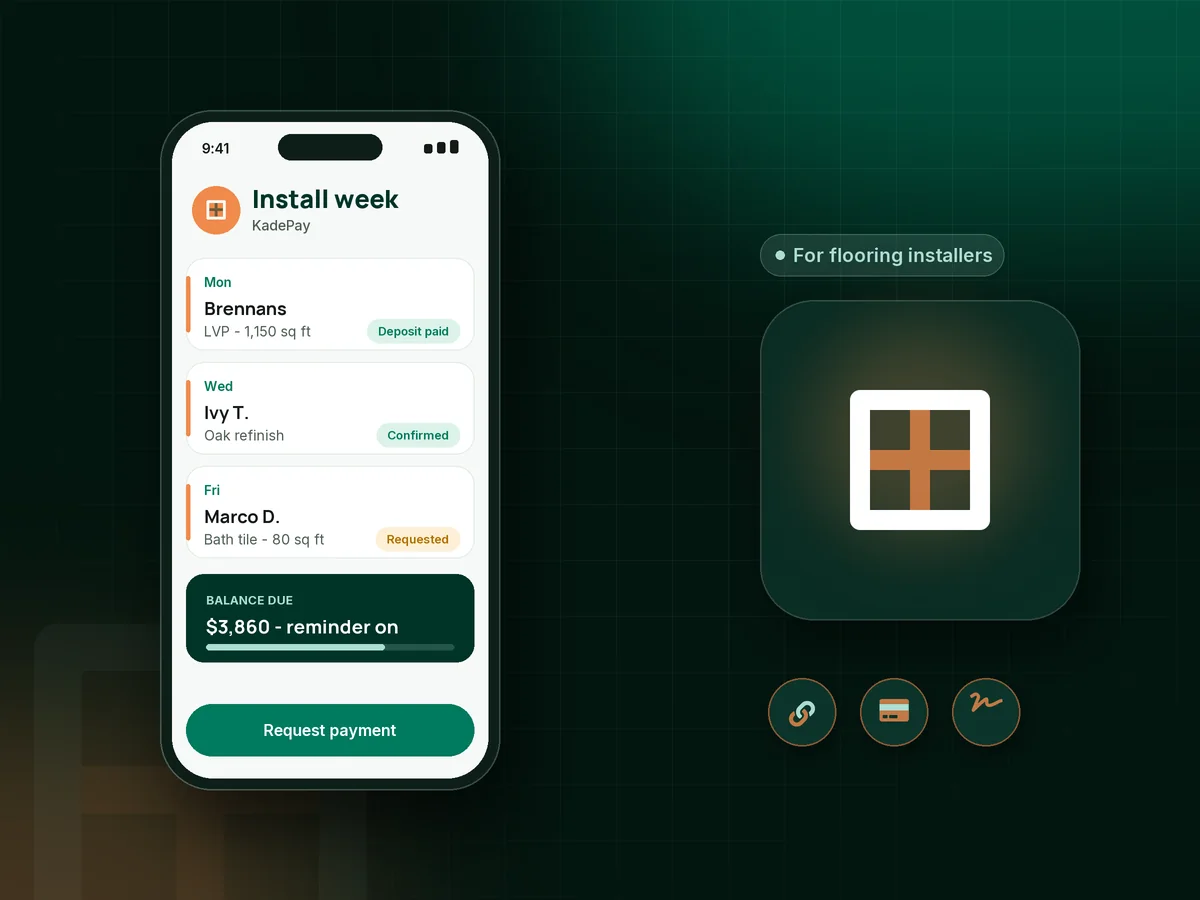
Illustration of a flooring installer's week in the KadePay flooring invoice app with an LVP deposit, a subfloor bill and a refinish job

Sound familiar?

The floor goes down fast. The money should too.

Flooring money is front-loaded: material is bought days before install and the surprises show up when the old floor comes up. These are the payment problems installers deal with most, and how KadePay handles them.

01

Ordering $4,000 of LVP before the customer pays anything

The planks have to sit in the house to acclimate for days, so you are out the money long before the first row clicks in.

With KadePay

Collect a flooring deposit for material with a fixed-amount link when the customer approves. Place the order once it shows paid, and take it off the balance at the end.

Payment links and QR codes
02

Soft spots under the old floor that nobody priced in

The carpet comes up, the plywood by the bathroom is soft, and the customer wonders why the price just went up by $340.

With KadePay

Photograph the damaged area, have the customer sign a short change form on their phone, and send the subfloor repair as its own bill with the photos attached.

Forms and signatures
03

Customers who want to pay the last part 'after it settles'

The install is done, the transitions are in, and the final payment waits a week while the homeowner decides whether they like the color.

With KadePay

Make the balance due on completion in your signed terms, then collect it at the final walkthrough with Tap to Pay on a compatible phone or a texted bill with reminders.

Tap to Pay and card readers
04

Whole-house floors that are hard to pay for at once

Hardwood through the main level and stairs can top $14,000, and many homeowners want it but cannot pay that in one shot.

With KadePay

Offer a flooring payment plan with a set number of installments from an eligible saved method, or let the customer apply for Affirm at checkout where eligible.

Payment plans
05

Product details forgotten when the customer calls about a repair

Two years later a plank is chipped, and nobody remembers the brand, the color lot or where the spare boxes went.

With KadePay

Keep product name, color, lot number and where the spare boxes are stored in private notes, with room photos in the customer's Gallery folder.

Customer profiles and notes

How it fits your week

A flooring job with KadePay, from measure to final

  1. Measure request

    The customer requests an in-home measure time from your booking link, and the appointment keeps their address. You confirm it when you are in the area.

  2. Approval and deposit

    Attach your estimate PDF to a deposit bill, collect the material deposit, and order product once it shows paid so it can acclimate.

  3. Install-day paperwork

    The customer signs your install terms and furniture-moving waiver on their phone before you start pulling the old floor.

  4. Surprises billed clearly

    Subfloor work, stair nosing or extra transitions get photographed on the spot and billed separately after the customer signs a change form.

  5. Final on the last day

    Collect the balance with Tap to Pay on a compatible phone, a QR or a texted bill, and record any Zelle payment the customer sends.

Every way your customers pay

  • Visa
  • Mastercard
  • American Express
  • Discover
  • Apple Pay
  • Google Pay
  • Tap to Pay
  • ACH bank transfer
  • Affirm, where eligible
  • Venmo
  • Zelle
  • QR codes
  • Text and email links

Availability depends on your account setup and eligibility. You confirm Venmo and Zelle payments after checking they arrived.

KadePay for flooring installers

Best app for flooring installers: a flooring invoice app that bills surprises

Flooring is a material-heavy trade with a short install window. A flooring invoice app should get the deposit in before you order, make room for the extra work that shows up under the old floor, and collect the balance before the trailer leaves. KadePay covers that payment side and leaves pricing and layout to you.

LVP installation, carpet and tile jobs usually follow the same pattern: a material deposit, an install that can change once the old floor is up, and a final on the last day. A tile installation invoice with photos of the cuts around the tub, or a hardwood floor refinishing invoice with before and after shots of the stain, shows the customer what they are paying for.

Subfloor repair and other add-ons are easier to collect when the customer signs a change form first. For whole-house work, agreed installments or Affirm, where eligible, help the homeowner commit, and ACH bank transfer keeps the cost down on large balances paid in one go.

Busy installers also lean on notes. Product brand, color and lot number, plus photos of each finished room, sit on the customer profile, so a repair call two years later starts with the right box of planks.

CLEAR ANSWERS

Flooring installers: your questions, answered.

What is the best flooring invoice app for an independent installer?

Look for deposits, change bills and payment on install day. KadePay collects material deposits by link, sends bills with room photos by text or email, keeps signed install terms and takes Tap to Pay on a compatible phone.

Should flooring installers take a deposit for material?

Most do, since product is ordered and acclimated before install. Check your state's rules on deposit amounts, send a fixed-amount link once the job is approved, and order the flooring after it shows as paid.

How do I bill for damaged subfloor found during install?

Photograph the damage, have the customer sign a short change form on their phone with the added price, and send it as a separate bill with the photos attached. The original job total stays clear and the extra is documented.

Can customers finance new flooring?

You can agree on a payment plan with a set number of installments collected from an eligible saved method. Customers can also apply for Affirm pay-over-time at checkout where eligible, and Affirm sets the approval and terms.

Can I take card payments on install day without a reader?

Yes, with a compatible iPhone or Android phone and completed payment setup, Tap to Pay in the KadePay app accepts contactless cards and wallets. A printed QR or a texted bill suits customers who prefer to pay from their own phone.

How much does KadePay cost for a flooring business?

Flooring installers can start on Pay-As-You-Go at $0 per month, and payment and usage fees apply. Team at $10 per month adds installers with their own logins and permissions, and Pro at $35 per month suits higher volume. Check the pricing page for details.

YOUR WORK COMES FIRST

Make room for more customers.

Get started for free