Skip to content
KadePayGet started

KADEPAY FOR INTERIOR DESIGNERS

Interior design billing software as tidy as the rooms you design.

You spend your best hours on fabric, scale and light, and too many evenings reconciling retainers and furniture deposits. KadePay collects the retainer before design starts, bills procurement before you place the order and keeps every design board in a folder the client can open.

Pay-As-You-Go starts at $0 per month. Usage and payment fees apply.

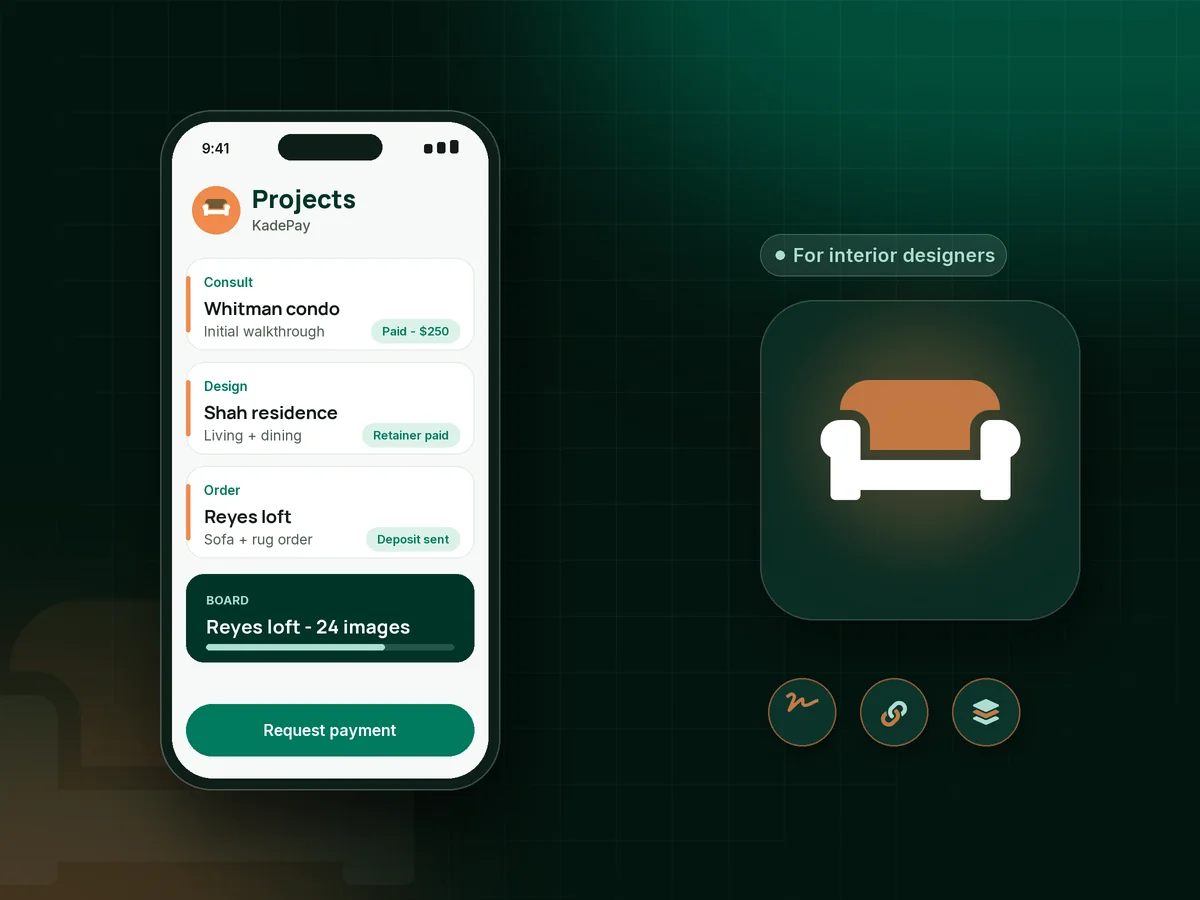
Illustration of interior design billing software with a designer's client projects, a paid retainer, a furniture deposit and a design board folder

Sound familiar?

Beautiful rooms, messy receivables.

Design studios carry a strange mix of money: consultation fees, retainers, hourly time and furniture orders worth more than your design fee. Here are the moments designers say cause the most trouble, and how KadePay handles them.

01

Design work that starts before the retainer clears

The client loved the consultation, you started on floor plans that weekend, and the retainer check is still in their kitchen drawer.

With KadePay

Send your contract and an interior design retainer link together. The client signs on their phone and pays the retainer by card or bank transfer before you open a sketch.

Forms and signatures
02

Floating furniture orders on your own card

The vendor needs payment to start production on a custom sofa, and the client says they will pay when it is delivered.

With KadePay

Send a bill for the furniture procurement deposit with the vendor's spec sheet attached before you place the order. The client pays from the link, and you order once it shows paid.

Payment links and QR codes
03

Hourly invoices the client wants to question line by line

Twelve hours of sourcing look like nothing to a client who only saw the final mood board.

With KadePay

Send a monthly interior designer invoice with each task listed and your hours summary attached as a file, so the client sees what the time covered.

Payment links and QR codes
04

Design boards lost in long email threads

The client cannot find the second-round living room board and approves the wrong rug from a forwarded email.

With KadePay

Keep boards, floor plans and selections in Gallery folders on the client profile. Share them read-only, or read and write so clients can add their own inspiration photos.

Customer profiles and notes
05

A large project with a long tail of payments

Design fee, procurement, installation and the final styling visit stretch across six months, and the last invoice is always the slowest.

With KadePay

Agree an interior design payment schedule as a payment plan with set installments collected from an eligible saved method, and send reminders on any open bill.

Payment plans

How it fits your week

How a design project runs with KadePay

  1. The consultation is booked

    A new client requests a walkthrough from your booking link and pays your interior design consultation fee by fixed-amount link. You confirm the visit.

  2. Contract and retainer together

    They sign your design agreement on their phone and pay the retainer, and you open a Gallery folder for the project on their profile.

  3. Boards shared in one place

    Concept boards, floor plans and finish selections go into the shared folder, and private notes hold budget comfort, pets and the contractor's number.

  4. Orders paid before you place them

    Send procurement bills with spec sheets and vendor documents attached. You place each order once the client has paid.

  5. Install day and the final bill

    Collect the final balance from the card the client authorized or by link, and download every payment for your bookkeeper.

Every way your clients pay

  • Visa
  • Mastercard
  • American Express
  • Discover
  • Apple Pay
  • Google Pay
  • Tap to Pay
  • ACH bank transfer
  • Affirm, where eligible
  • Venmo
  • Zelle
  • QR codes
  • Text and email links

Availability depends on your account setup and eligibility. You confirm Venmo and Zelle payments after checking they arrived.

KadePay for interior designers

What to look for in interior design billing software

The best app for interior designers depends on studio size. Large firms often want full procurement and accounting suites. A one- or two-person studio usually needs the money side done well: retainers, deposits before orders, clear invoices and a place to share boards with clients that is not buried in a long email thread.

A furniture procurement deposit protects your cash flow more than any other habit. Bill the client with the spec sheet attached, wait for payment, then place the order. You stop covering a custom sofa on your own card while production takes ten weeks.

Clients trust an interior designer invoice they can understand. List the tasks, attach the hours summary, and send it on the same day each month. For ongoing clients, a monthly design retainer on Team or Pro plans keeps the work moving without a new invoice each time, and reminders follow any bill that stays open past its due date.

Smaller offers fit too. Sell an e-design package or a color consultation through a fixed-amount link, and collect the interior design contract signature on the client's phone before the first board goes out. Everything stays on one client profile.

CLEAR ANSWERS

Interior designers: your questions, answered.

What is the best interior design billing software for a small studio?

A small studio needs retainers, procurement deposits, clear invoices, signed contracts and a place to share boards. KadePay covers those, accepts cards, bank transfer and Affirm for eligible clients, and records Venmo or Zelle with no KadePay fee.

How do I collect an interior design retainer?

Send your agreement as a form and a fixed-amount payment link for the retainer. The client signs on their phone and pays by card, phone wallet or bank transfer. Start design work once the retainer shows paid.

Should clients pay for furniture before I order it?

Many designers require payment before placing orders, because vendors often need payment to start production. Send a bill with the spec sheet attached and place the order once the client has paid.

Can I share design boards and floor plans with clients?

Yes. Gallery folders on the client profile hold boards, plans and photos. Share a folder read-only for presentations, or read and write so the client can add inspiration images of their own.

Can I bill hourly design time every month?

Yes. Send a bill each month with your tasks listed and your hours summary attached. KadePay does not track your time, so keep hours in your own log and attach the summary to the bill.

How much does KadePay cost for an interior designer?

For a designer working on their own, Pay-As-You-Go starts at $0 per month; payment and usage fees apply. Team at $10 per month and Pro at $35 per month add team members and monthly retainers. Compare them on the KadePay pricing page.

YOUR WORK COMES FIRST

Make room for more clients.

Get started for free