Skip to content
KadePayGet started

KADEPAY FOR MOVERS & MOVING COMPANIES

The app for moving companies that collects the balance at the new door.

Saturday is booked, the truck is reserved and two crews are counting on the work. KadePay takes the deposit when the date is confirmed, keeps the move details in one place and collects the final balance and the crew's tip before the last box is set down.

Pay-As-You-Go starts at $0 per month. Usage and payment fees apply.

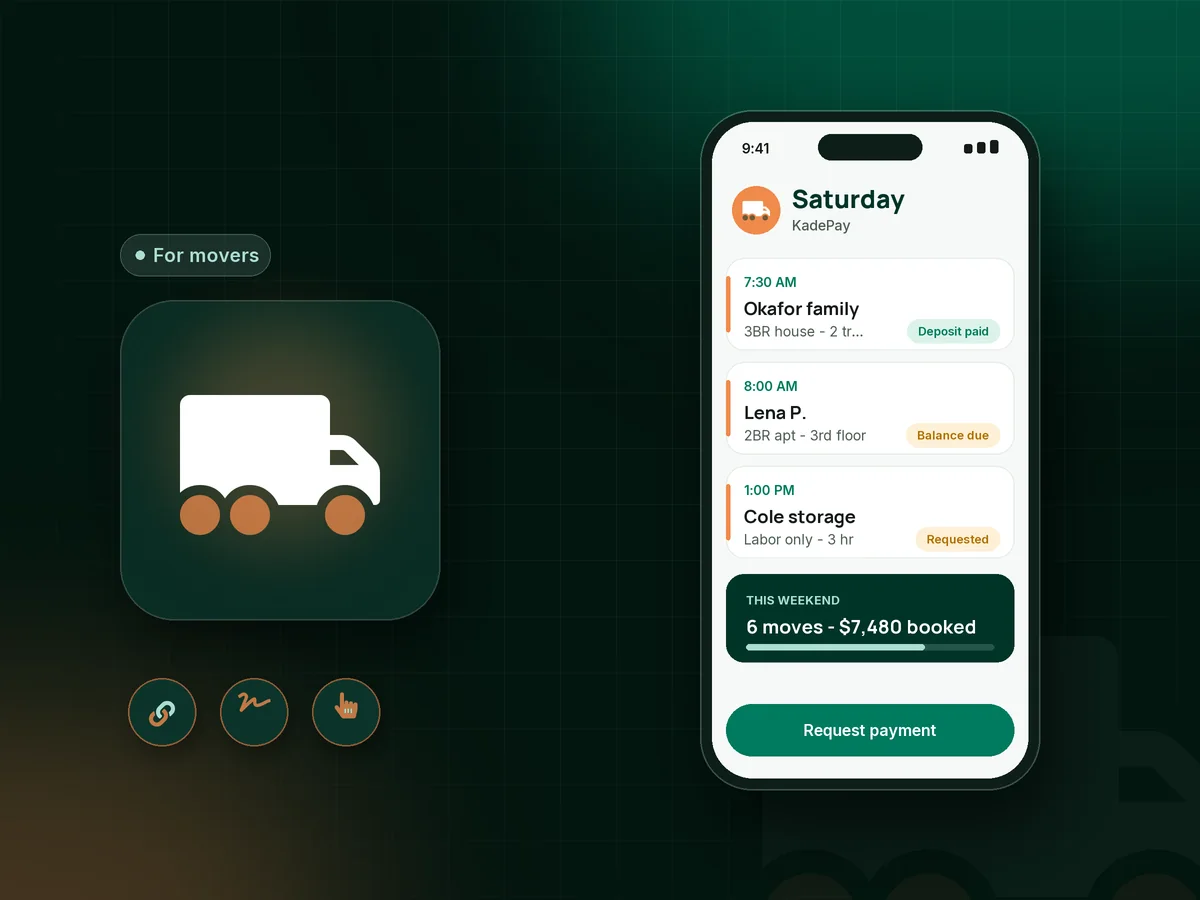
Illustration of an app for moving companies with a mover's Saturday jobs, a booking deposit, a packing day and a paid move balance

Sound familiar?

You held the truck. They booked someone cheaper.

Moving runs on Saturdays, end-of-month leases and tight margins. One cancellation empties a truck and a crew's day, and one slow balance turns a good weekend into a cash problem. Here is how KadePay helps small movers.

01

Cancellations the night before a booked move

You turned down two jobs for the 30th, and the customer texts at 9 PM that their cousin found a truck.

With KadePay

Collect a moving company deposit by fixed-amount link when you confirm the date, and have the customer sign your moving cancellation policy on their phone at the same time.

Payment links and QR codes
02

Chasing the balance after the truck is empty

The last dresser is in, the customer is exhausted and distracted, and they say they will send the money tonight.

With KadePay

Take the balance at the new door with Tap to Pay on a compatible phone, or charge a card the customer authorized when they booked. The receipt reaches them before your crew drives off.

Card on file
03

Hourly moves that end up longer than planned

You quoted four hours for a two-bedroom, the elevator was reserved for someone else, and the job ran six.

With KadePay

Send the final moving company invoice with the actual hours as items and a note about the elevator delay, and charge the authorized card or let them pay from the link.

Payment links and QR codes
04

Customers who want to tip the crew but have no cash

Your crew carried a piano up three flights, the customer wants to tip, and nobody has carried cash in years.

With KadePay

Share a flexible-amount link or QR so the customer enters a tip by card or phone wallet. Custom receipt text can thank the crew by name.

Payment links and QR codes
05

A $4,800 move the family cannot pay at once

A family relocating across the state needs packing, two trucks and a full day, and paying it all on moving day is a stretch.

With KadePay

Agree a payment plan with a set number of installments collected from an eligible saved method, or let eligible customers use Affirm to pay over time.

Payment plans

How it fits your week

How a moving week runs with KadePay

  1. The customer requests a move date

    They pick a move size from your booking link and request a date and start time. You check trucks and crews on your side and confirm it.

  2. Deposit and terms on the same day

    The customer pays a fixed deposit, signs your cancellation and moving terms on their phone and authorizes a card for the balance.

  3. Both addresses on the appointment

    The appointment carries the pickup location, and private notes cover the delivery address, stairs, elevator reservation, parking permit and the piano.

  4. Balance collected at the new place

    Charge the authorized card, take Tap to Pay at the door, or text a bill. Tips go through a flexible-amount link or your printed QR.

  5. Records your bookkeeper can use

    Deposits, balances, tips and refunds sit in one transaction list you can download at the end of the month.

Every way your customers pay

  • Visa
  • Mastercard
  • American Express
  • Discover
  • Apple Pay
  • Google Pay
  • Tap to Pay
  • ACH bank transfer
  • Affirm, where eligible
  • Venmo
  • Zelle
  • QR codes
  • Text and email links

Availability depends on your account setup and eligibility. You confirm Venmo and Zelle payments after checking they arrived.

KadePay for movers

What the best app for moving companies does for a small crew

Small moving company software is often a big platform with lead scoring, truck planning and claims modules that a two-truck mover never opens. The part you use every week is simpler: a deposit when the date is confirmed, signed terms, and payment at the end of the job.

A moving company deposit works best when it is modest and clearly explained. Send a fixed-amount link, put your moving cancellation policy on the same form the customer signs, and explain how the deposit applies to the final bill. Most customers accept a fair, written rule.

Local movers payment usually happens when the truck is empty and everyone is tired. Moving company credit card payments by Tap to Pay, a card authorized at booking or a texted bill take a minute. Customers who want to tip movers by card can scan a QR instead of hunting for an ATM.

Labor-only moving help and packing services payment follow the same steps with smaller amounts. Set separate services with their own durations, collect the balance when the job is done and keep every payment in the same list for your bookkeeper.

CLEAR ANSWERS

Moving companies: your questions, answered.

What is the best app for moving companies with one or two trucks?

A small mover needs deposits at booking, signed terms, on-site card payments and an easy way to take tips. KadePay covers those, plus payment plans for large moves, private move notes and recorded Venmo or Zelle payments with no KadePay fee.

How much deposit should a moving company take?

Many local movers take a modest, fixed deposit to hold the date and apply it to the final bill. Whatever you choose, put the amount and the cancellation window in the terms the customer signs, and collect it by payment link.

How do I collect the balance when the move is finished?

Charge a card the customer authorized when they booked, take the payment with Tap to Pay on a compatible phone, or text a bill. The customer gets a receipt before your crew leaves.

Can customers tip movers by card?

Yes. Share a flexible-amount payment link or a printed QR, and the customer enters the tip and pays by card, Apple Pay or Google Pay. Add custom receipt text to thank the crew.

Does KadePay plan trucks or crews for moving days?

No. KadePay handles booking requests, deposits, signed terms, customer notes and payments. It does not plan trucks, assign crews or track shipments, so keep your own system for logistics and use KadePay for the money.

How much does KadePay cost for a moving company?

For a mover just starting with one truck, Pay-As-You-Go starts at $0 per month; payment and usage fees apply. Team at $10 per month and Pro at $35 per month add team members for your crew leads. Details are on the KadePay pricing page.

YOUR WORK COMES FIRST

Make room for more customers.

Get started for free